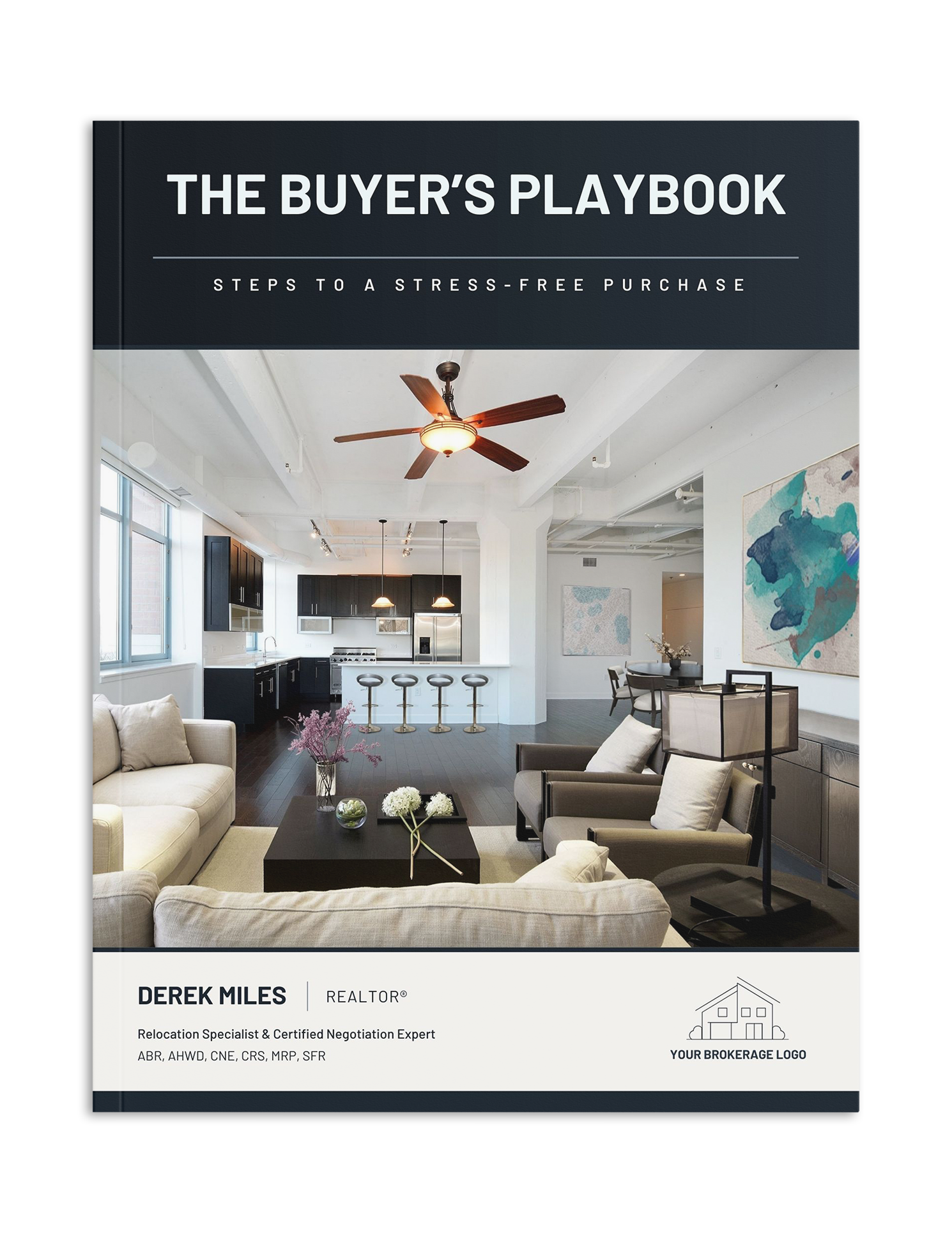
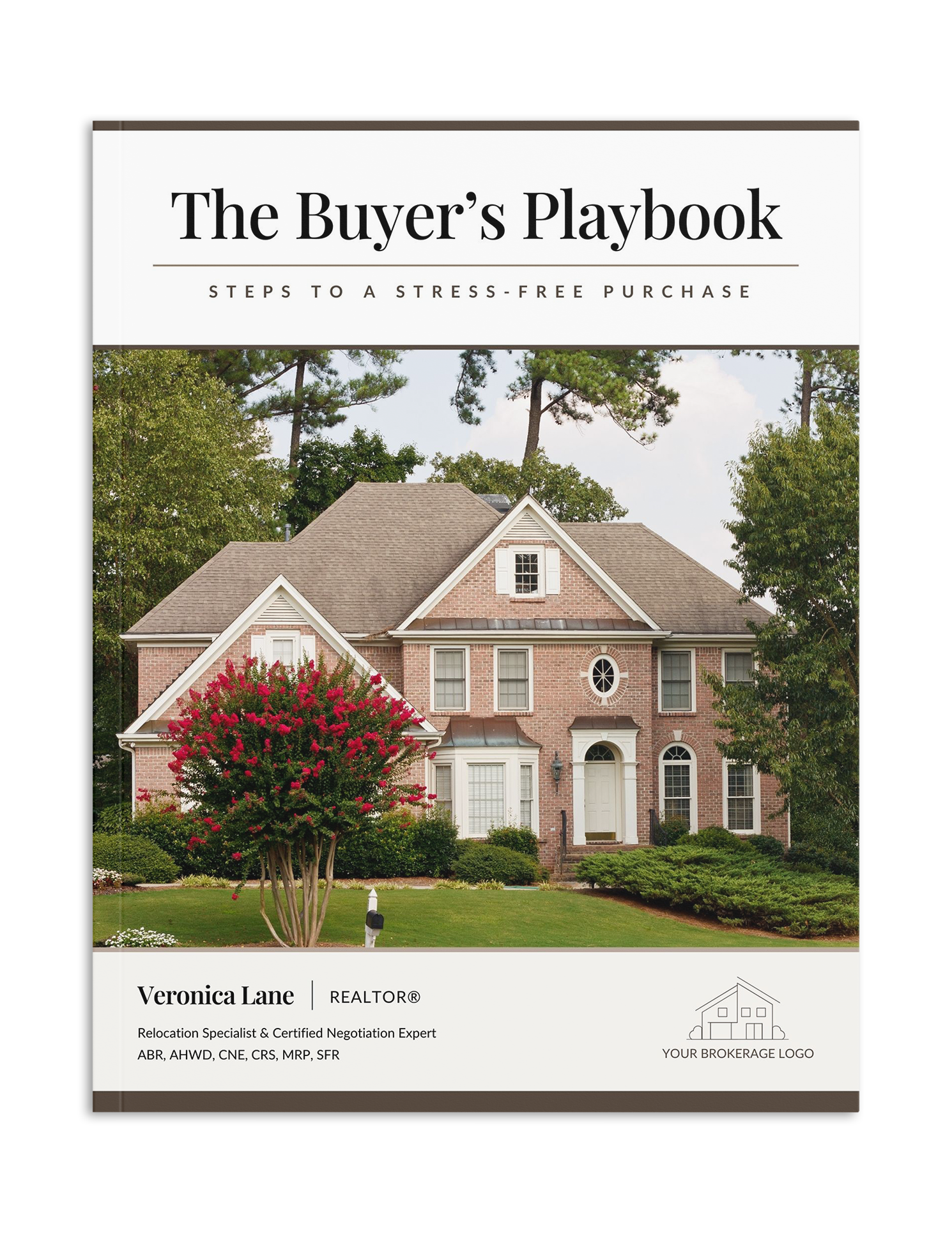
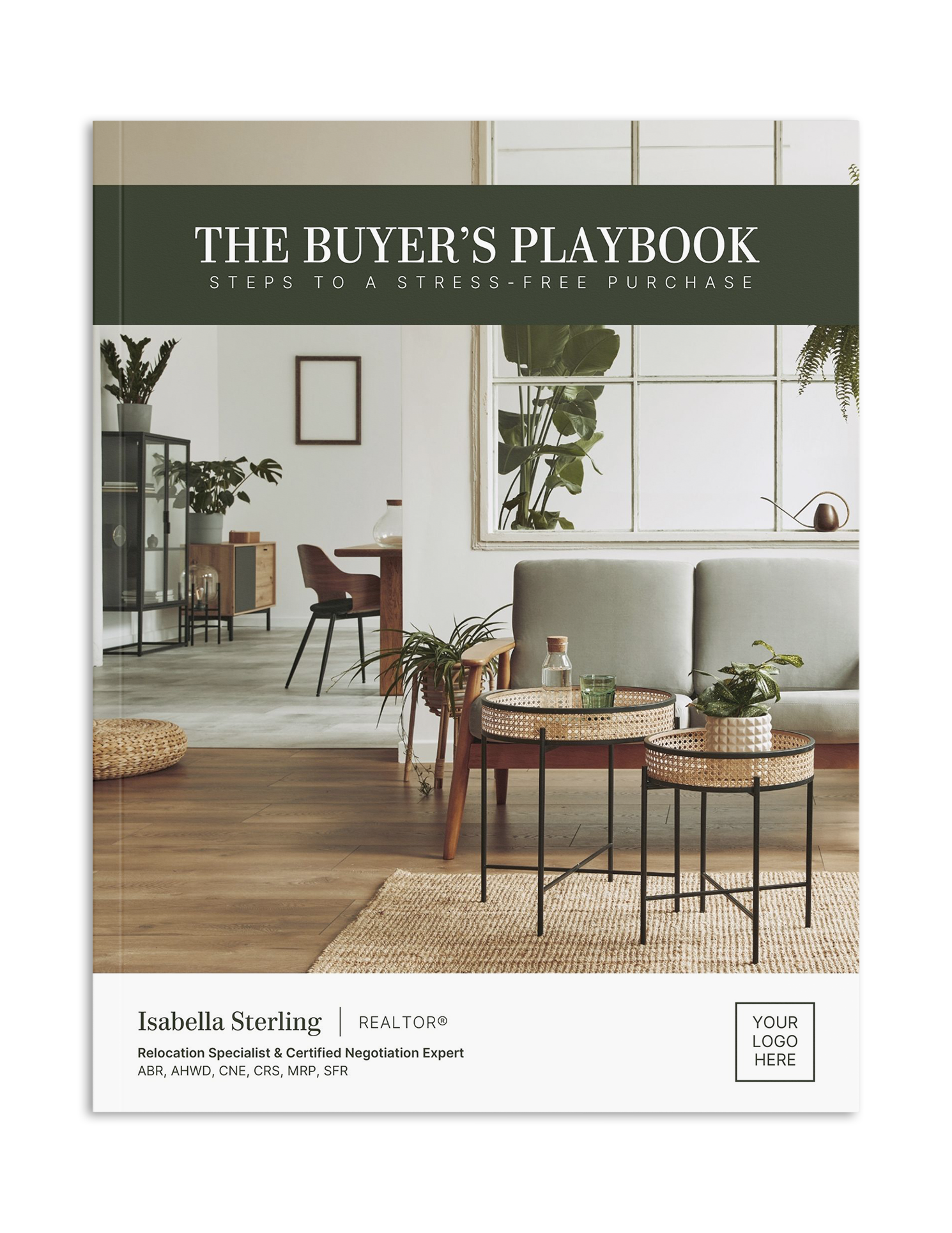
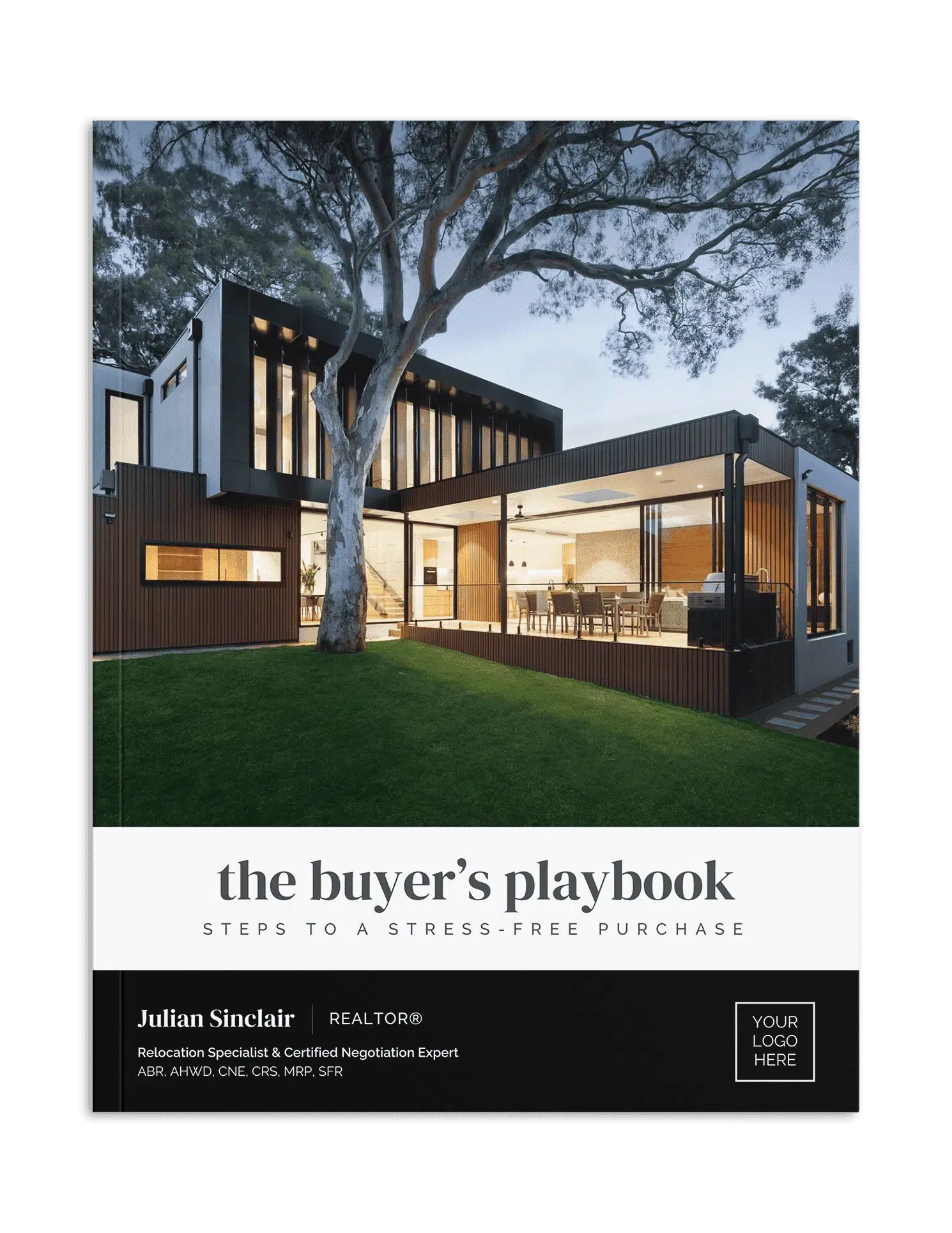
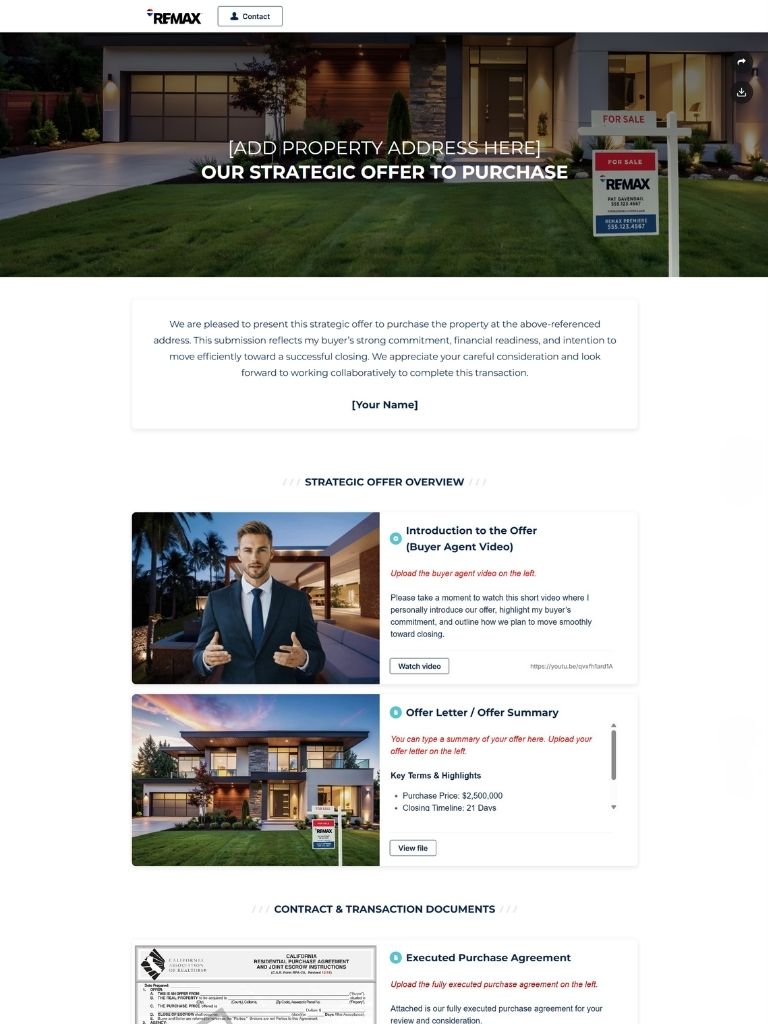
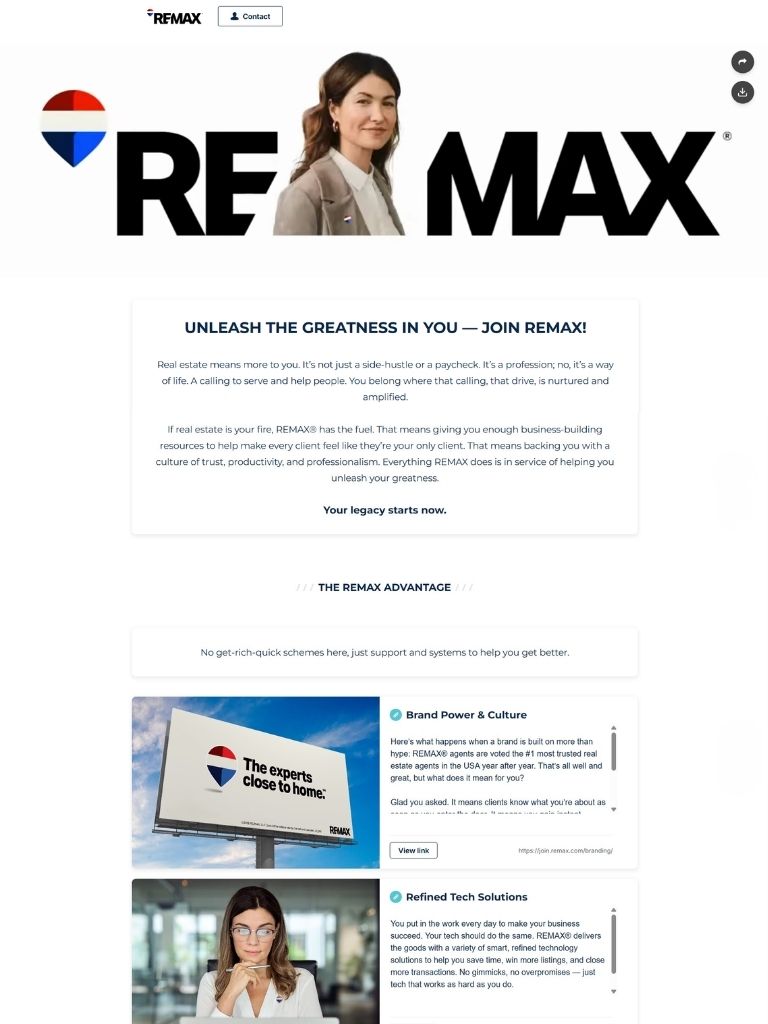
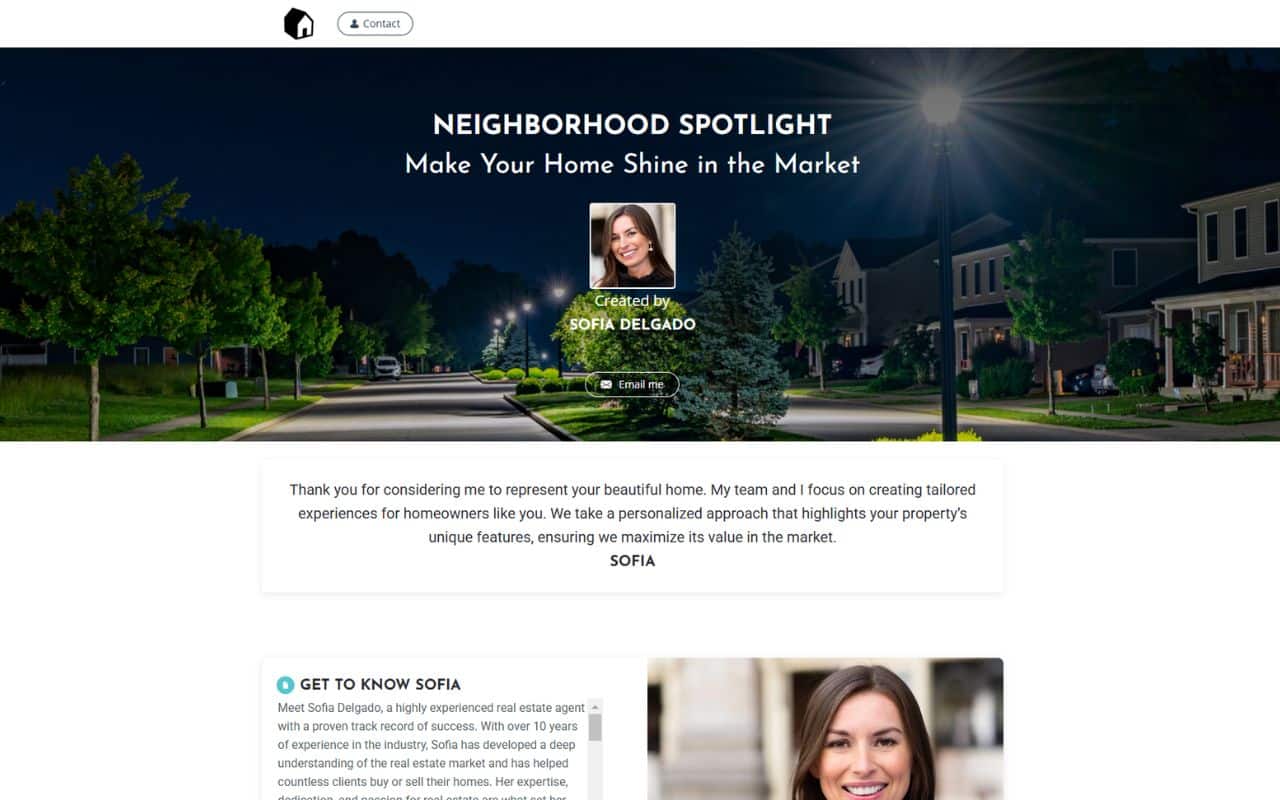
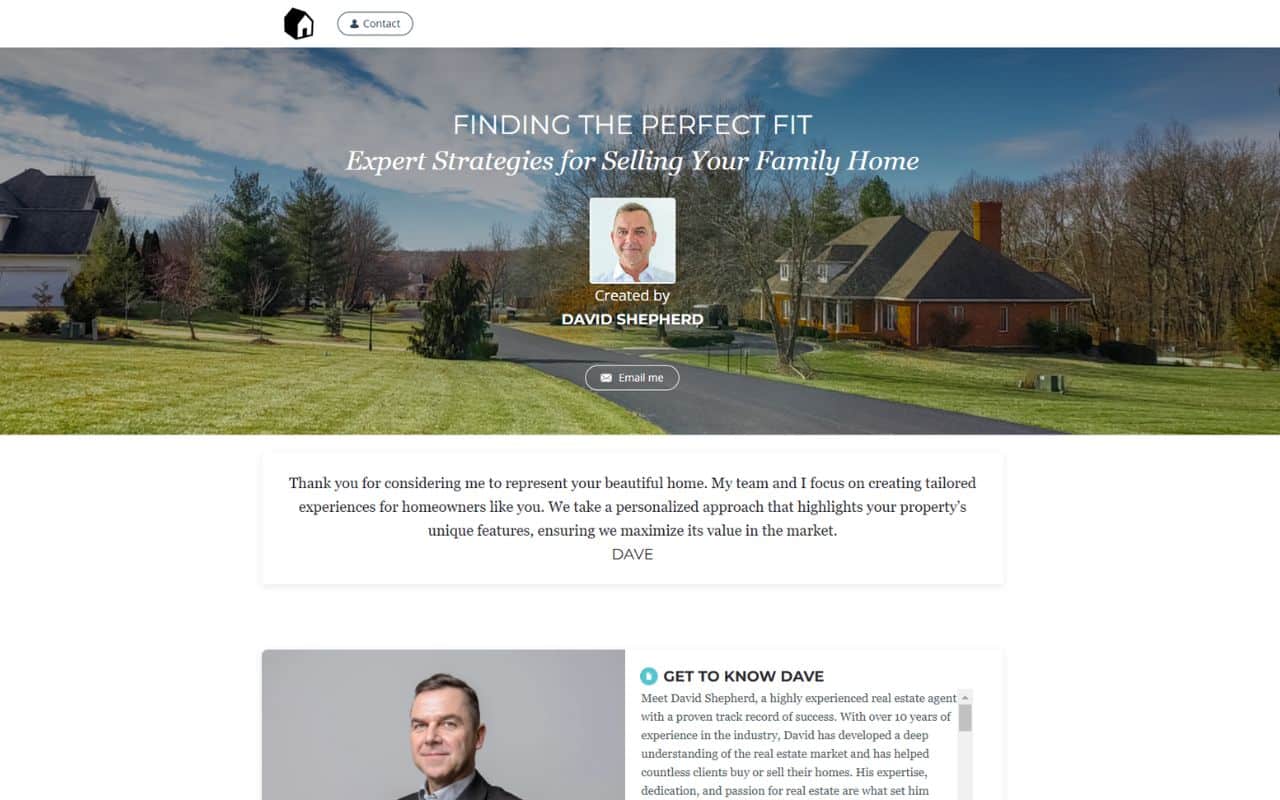
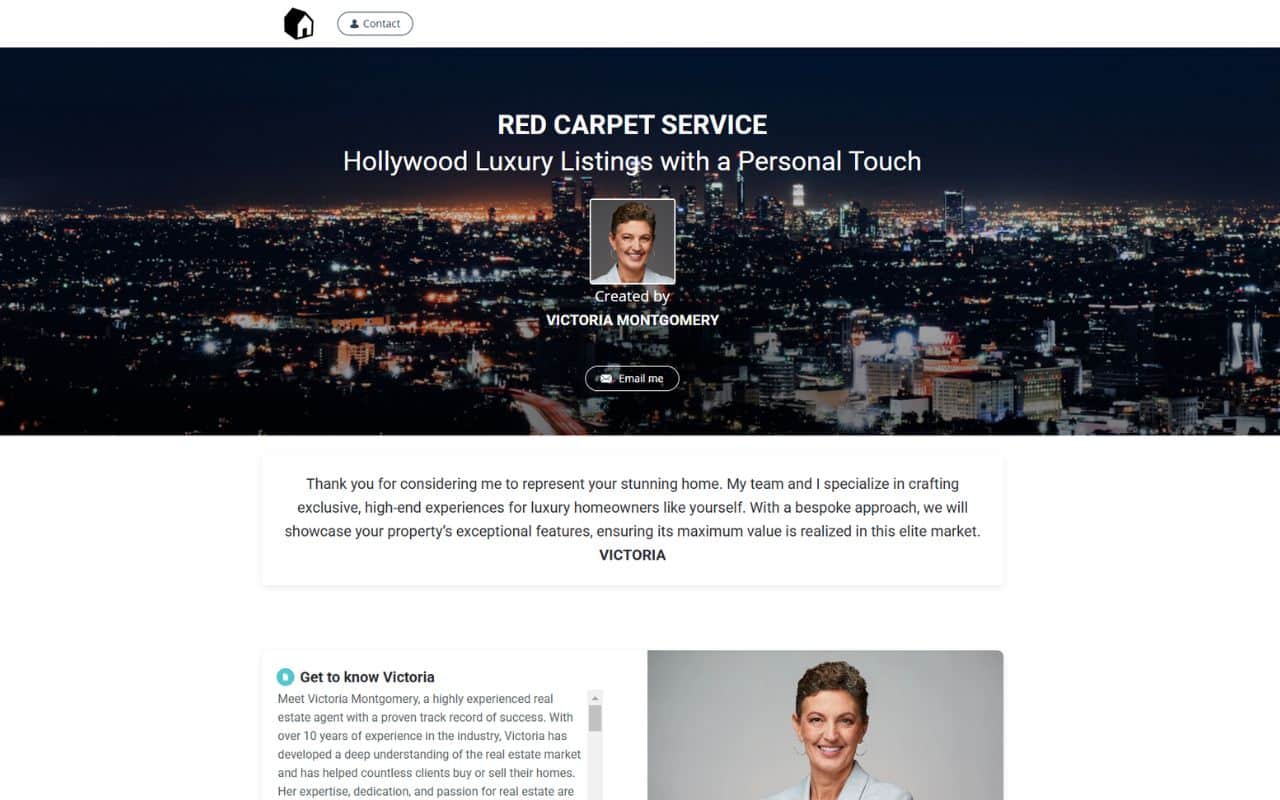
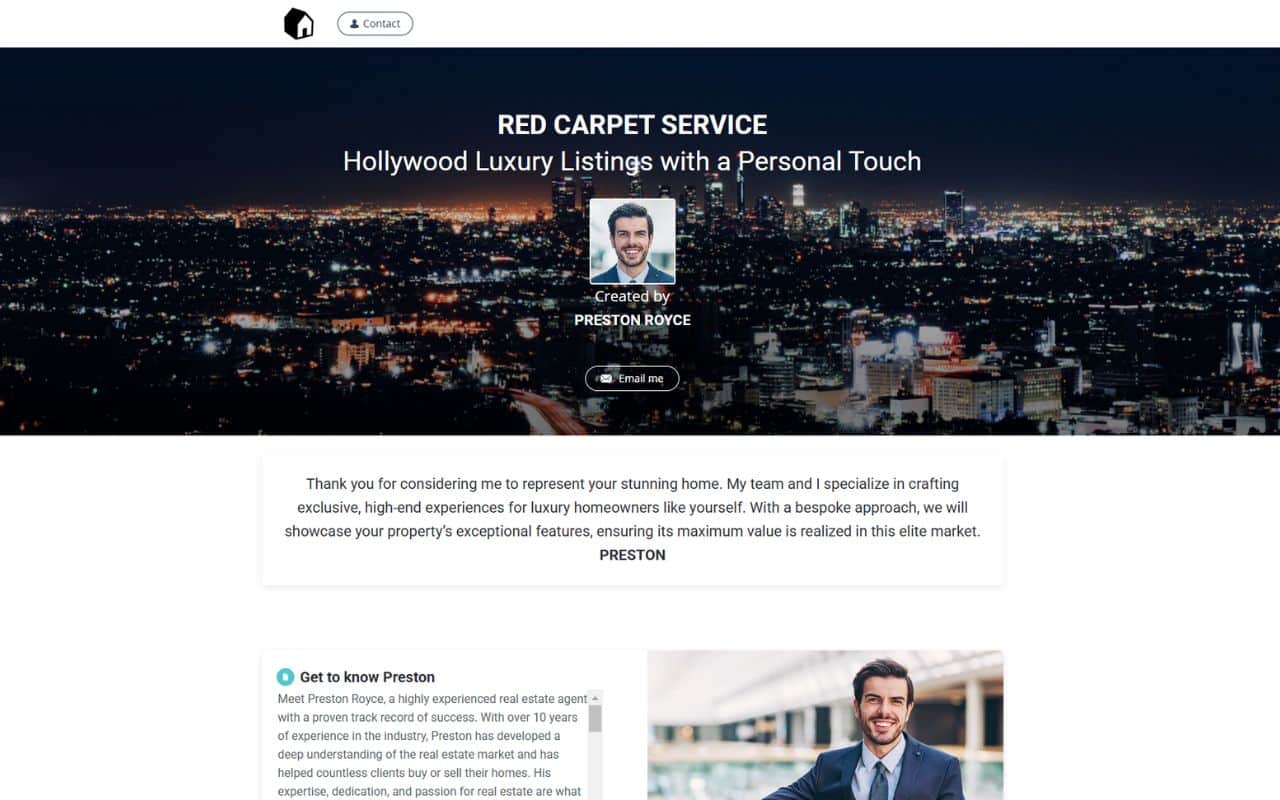
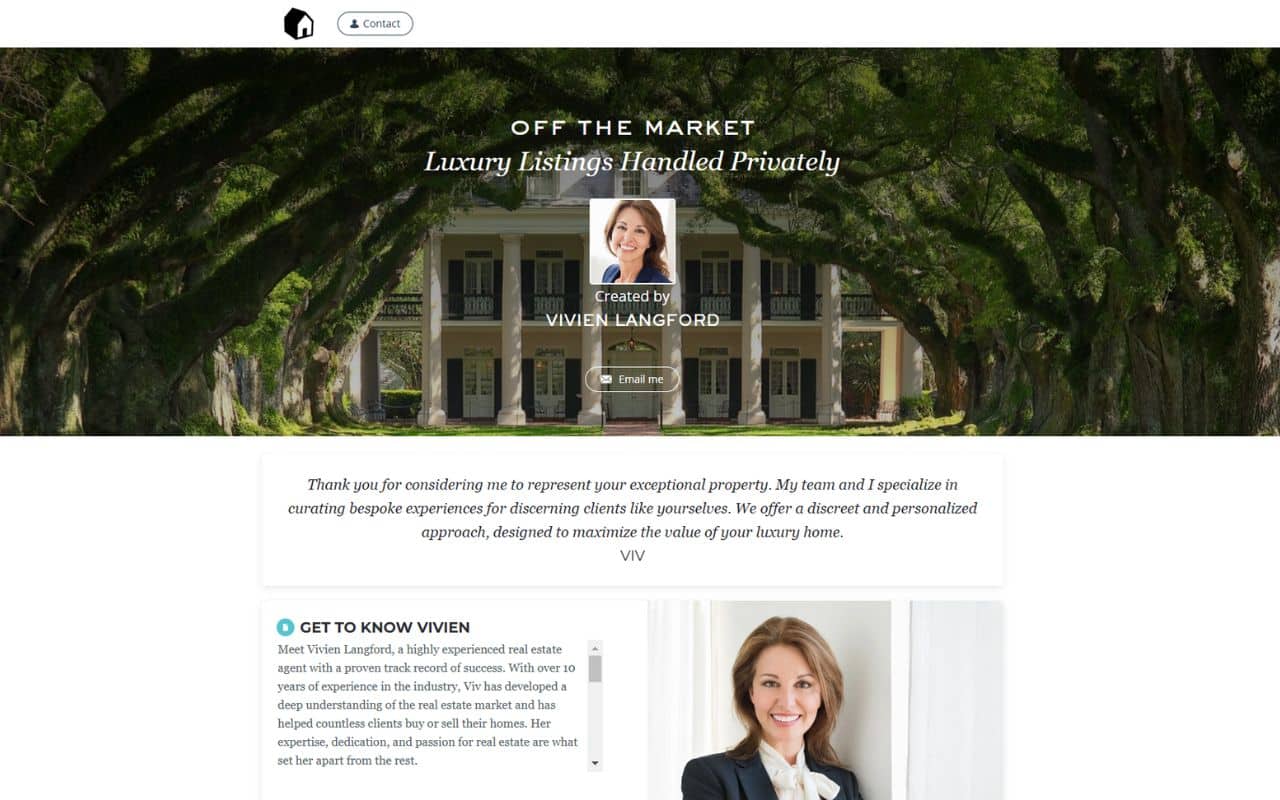
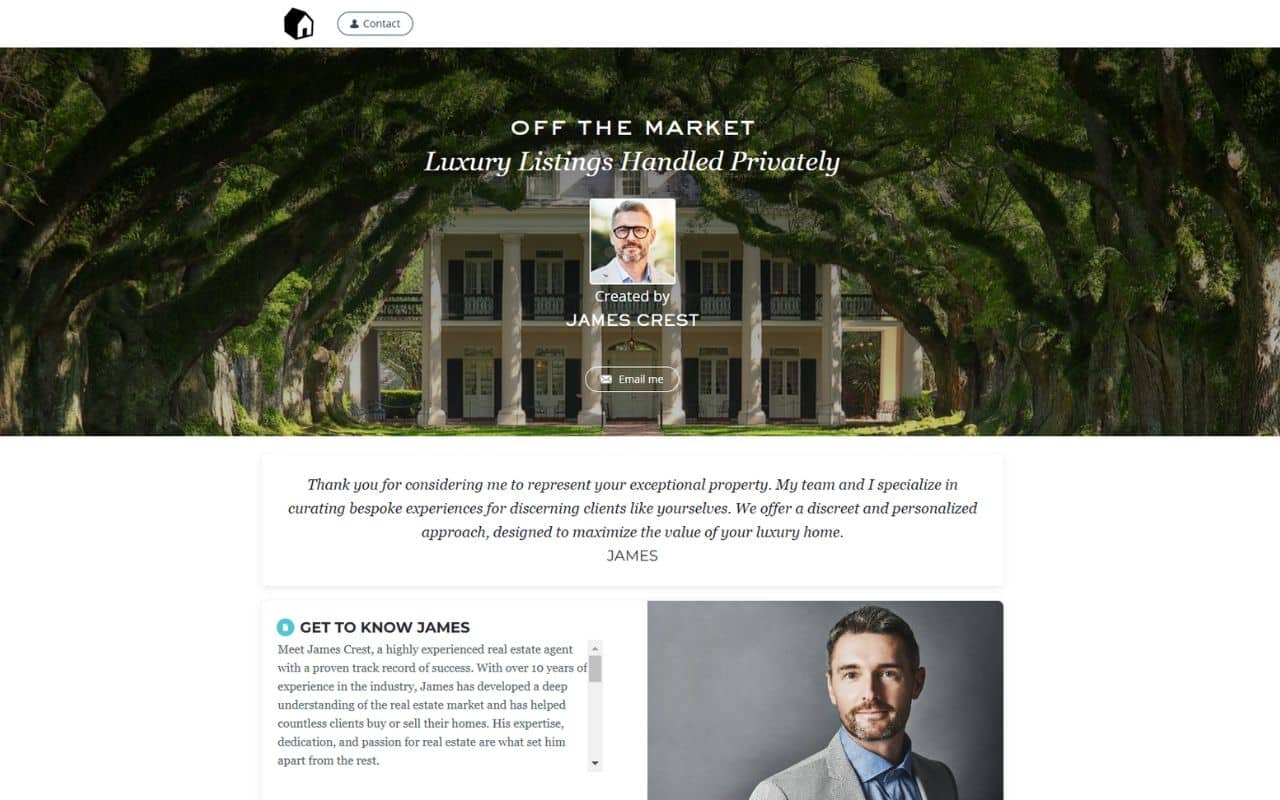
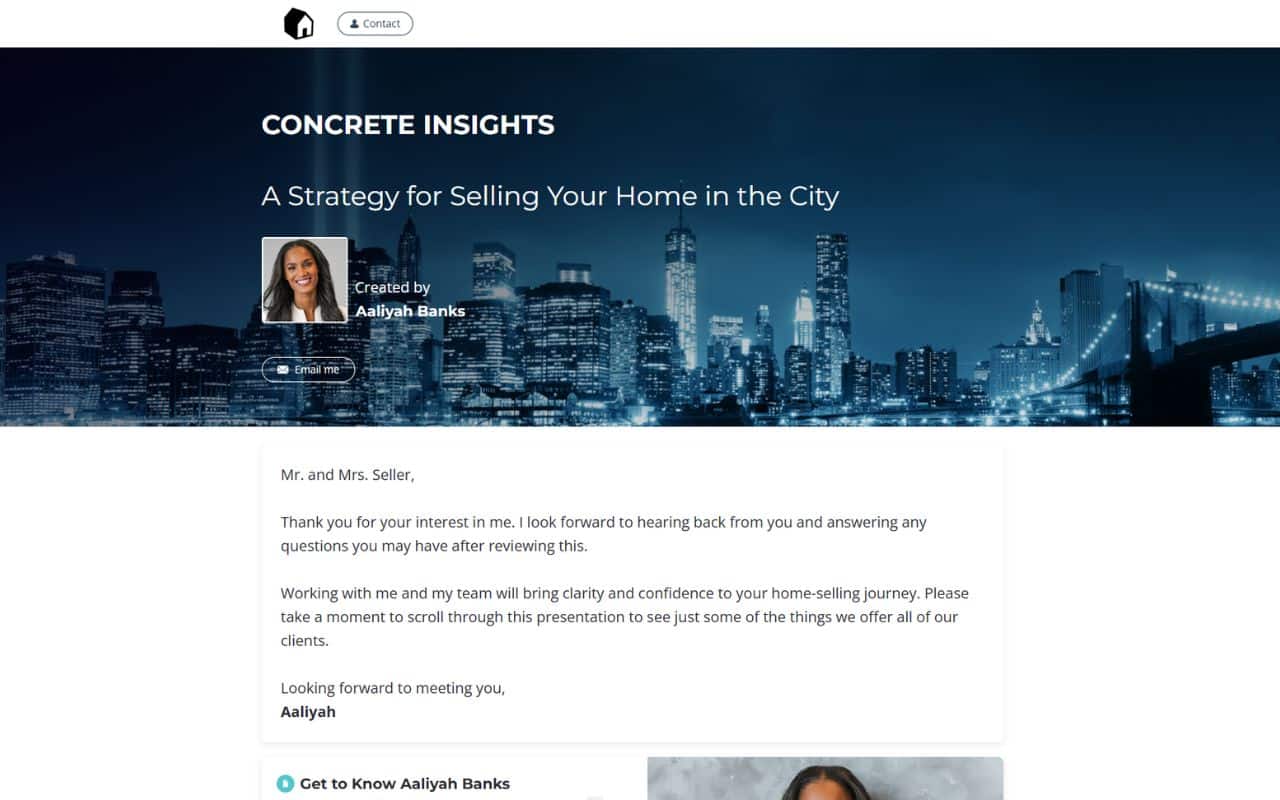
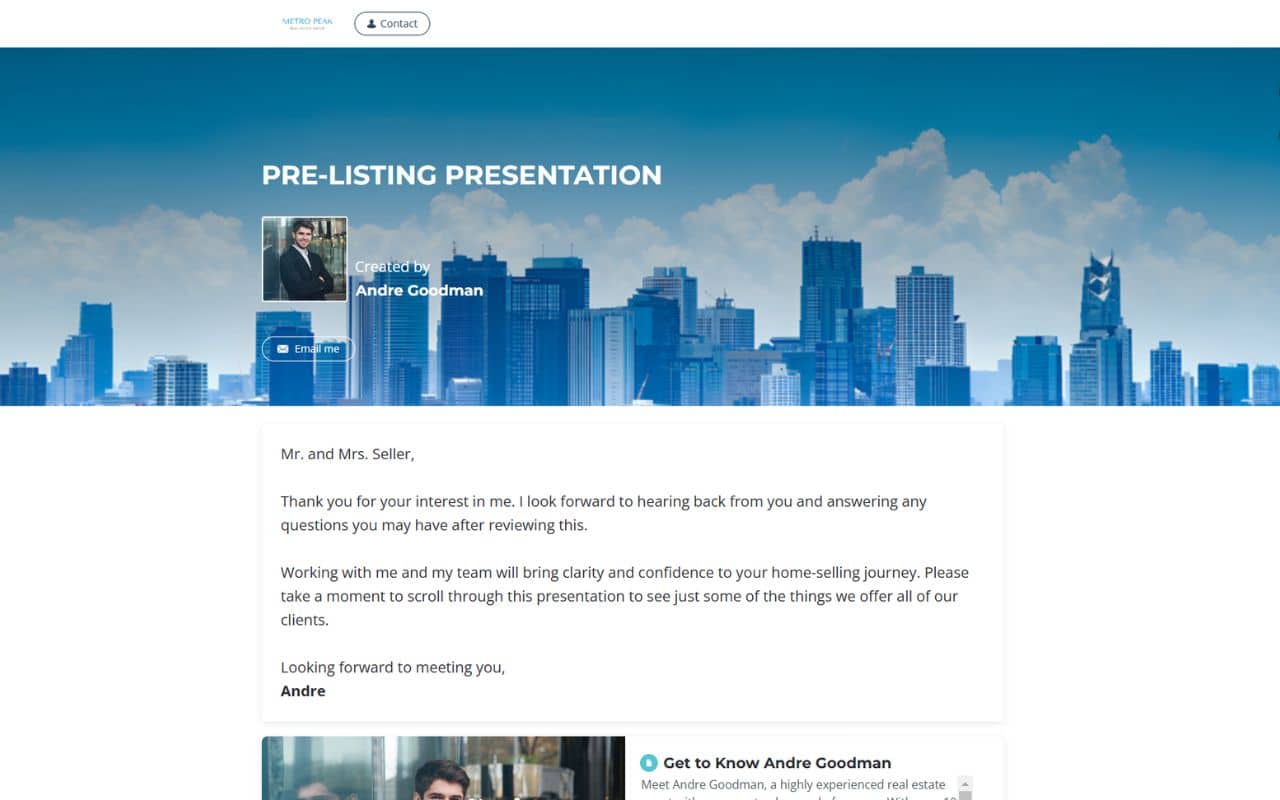
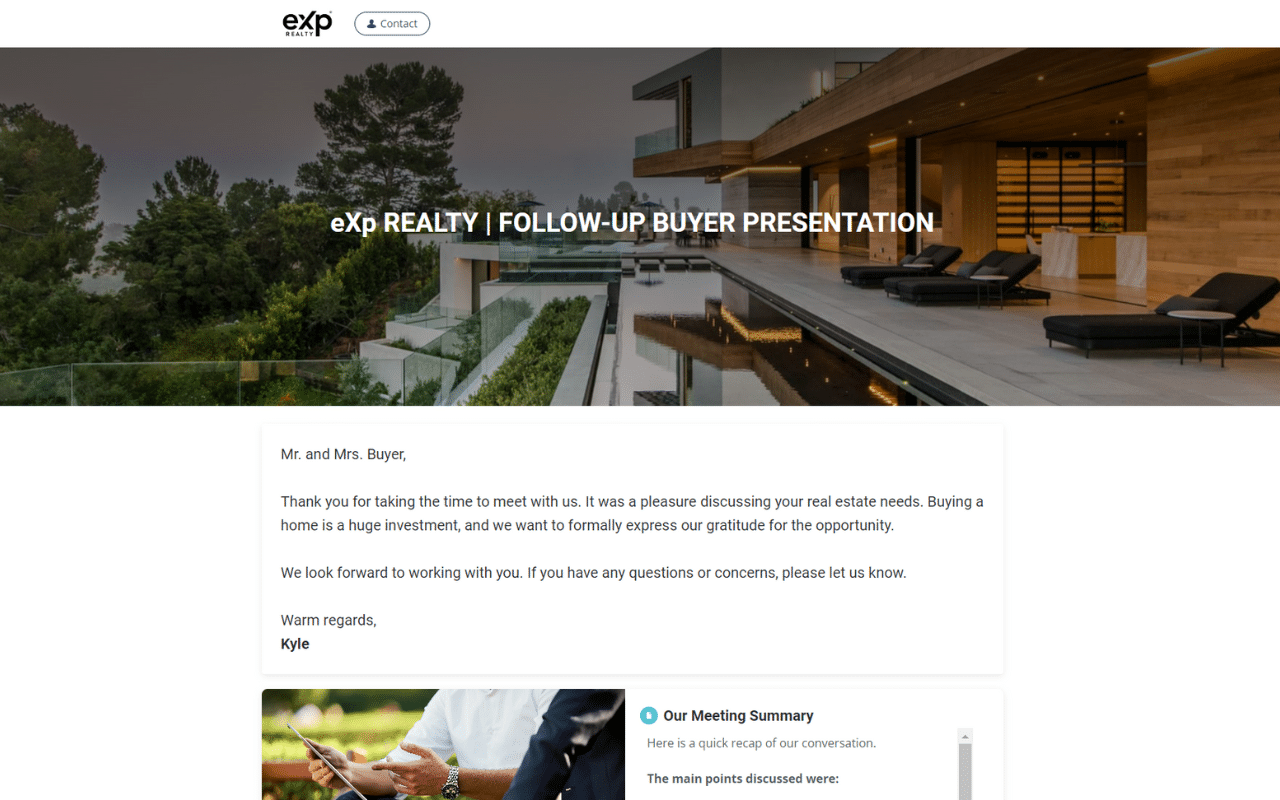
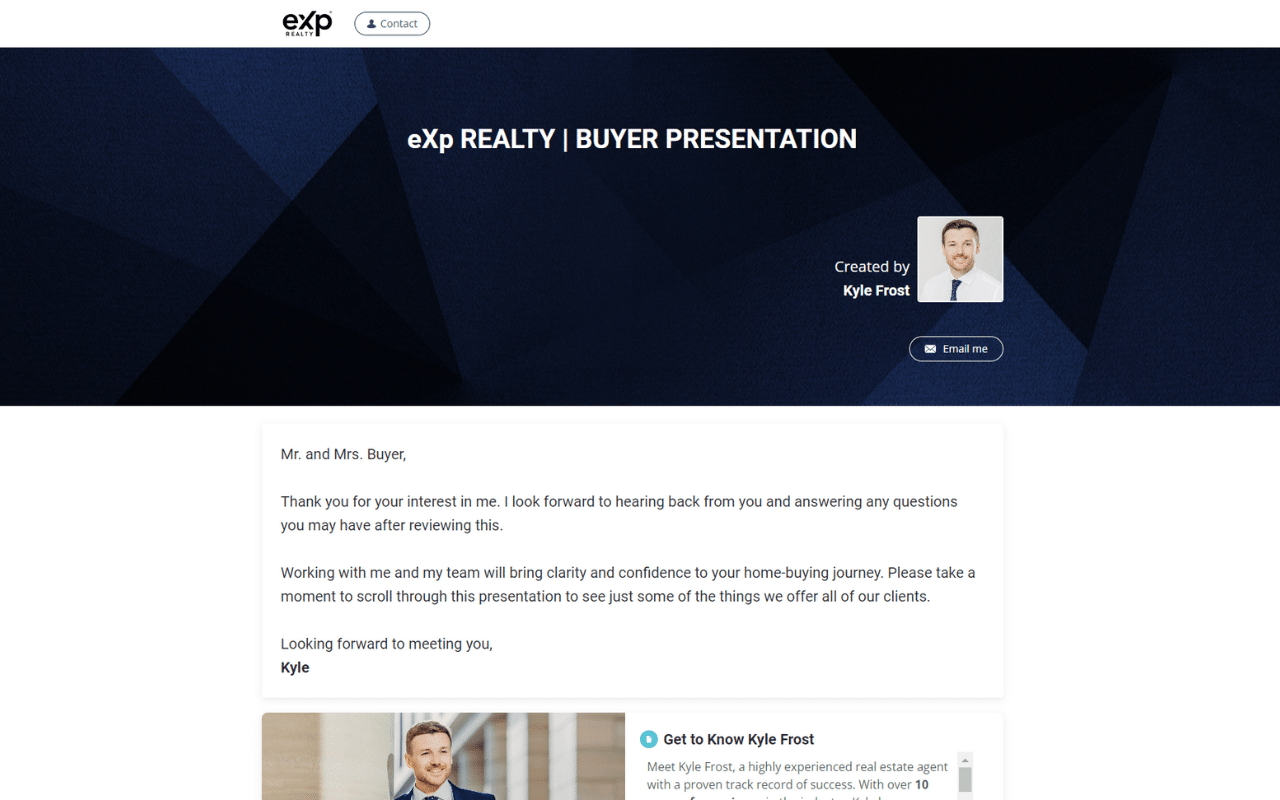
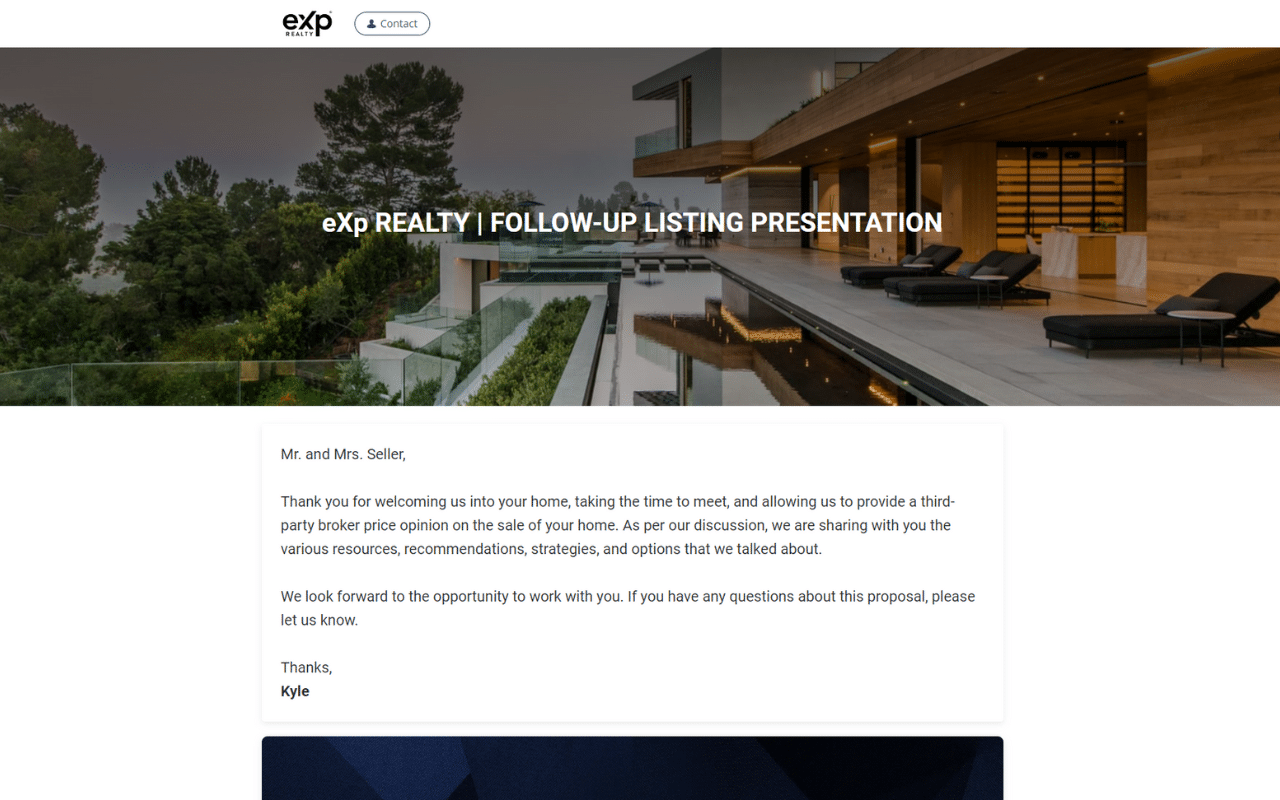
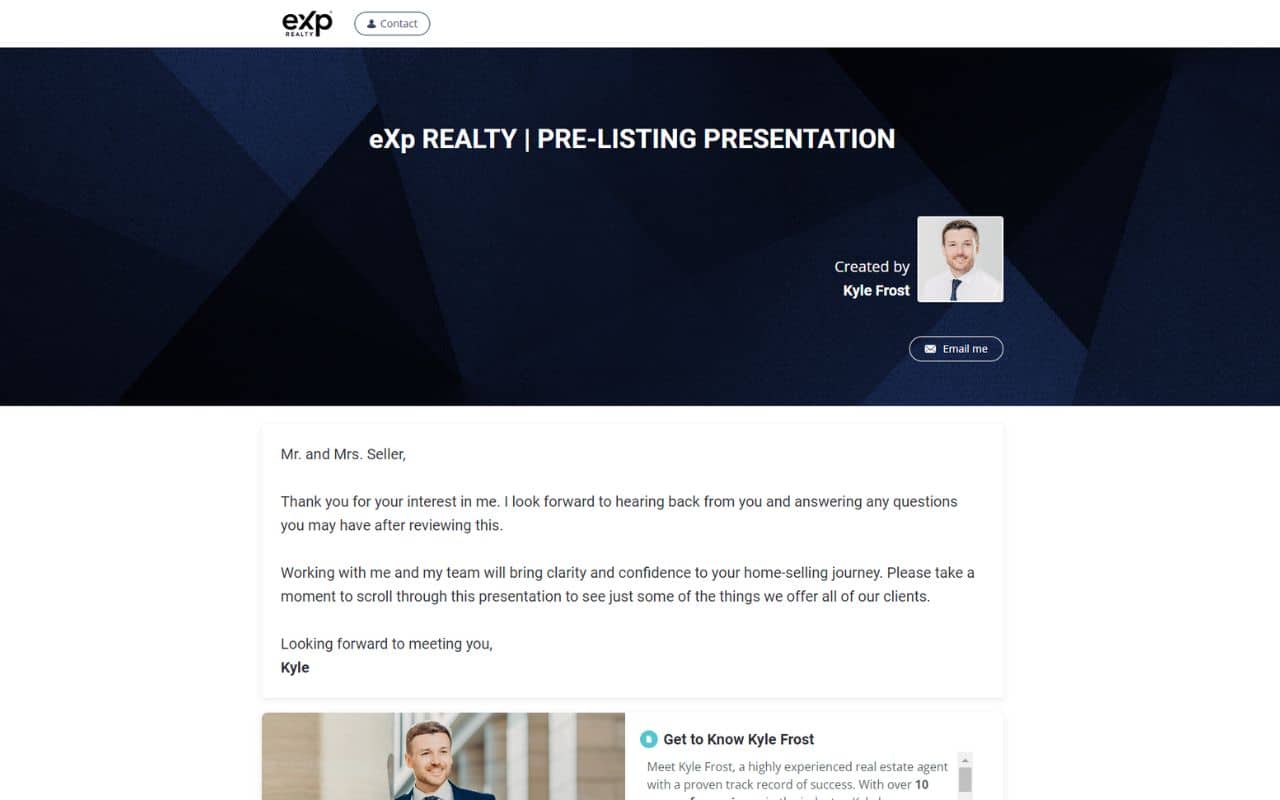
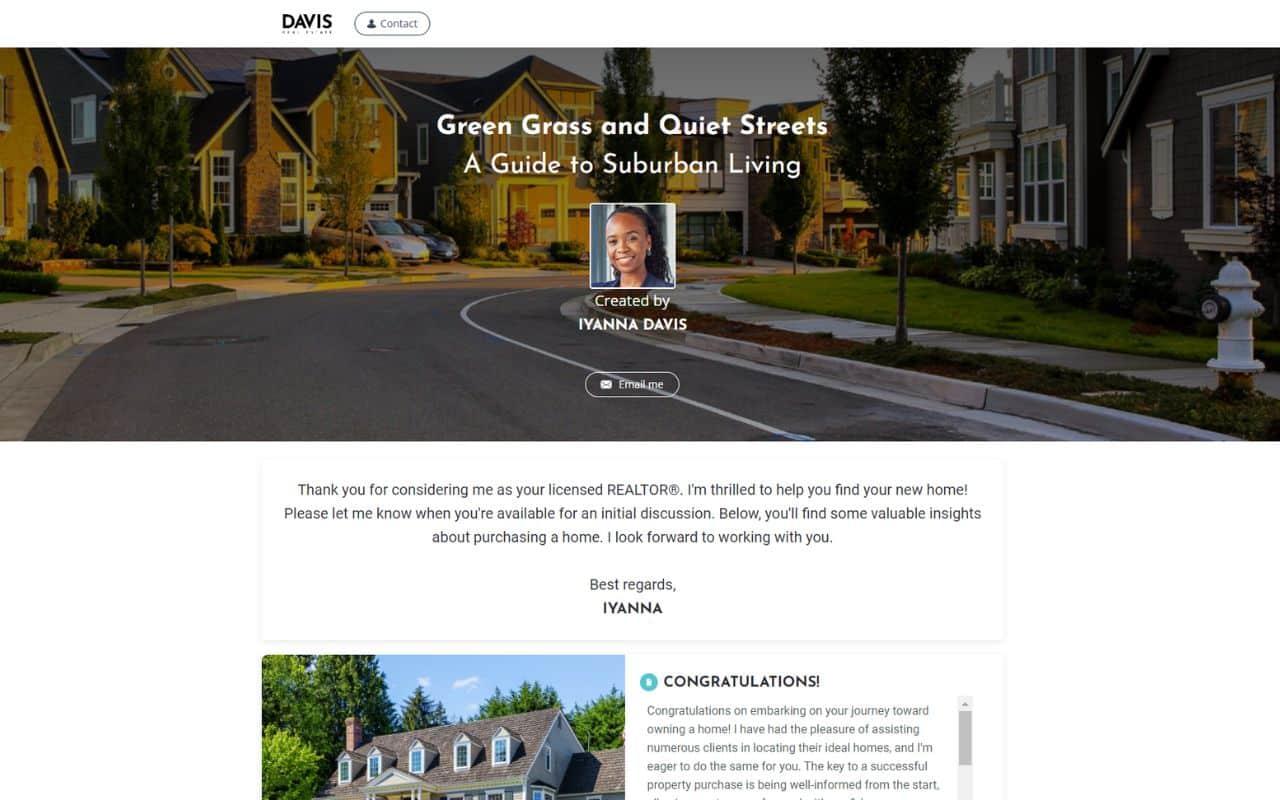
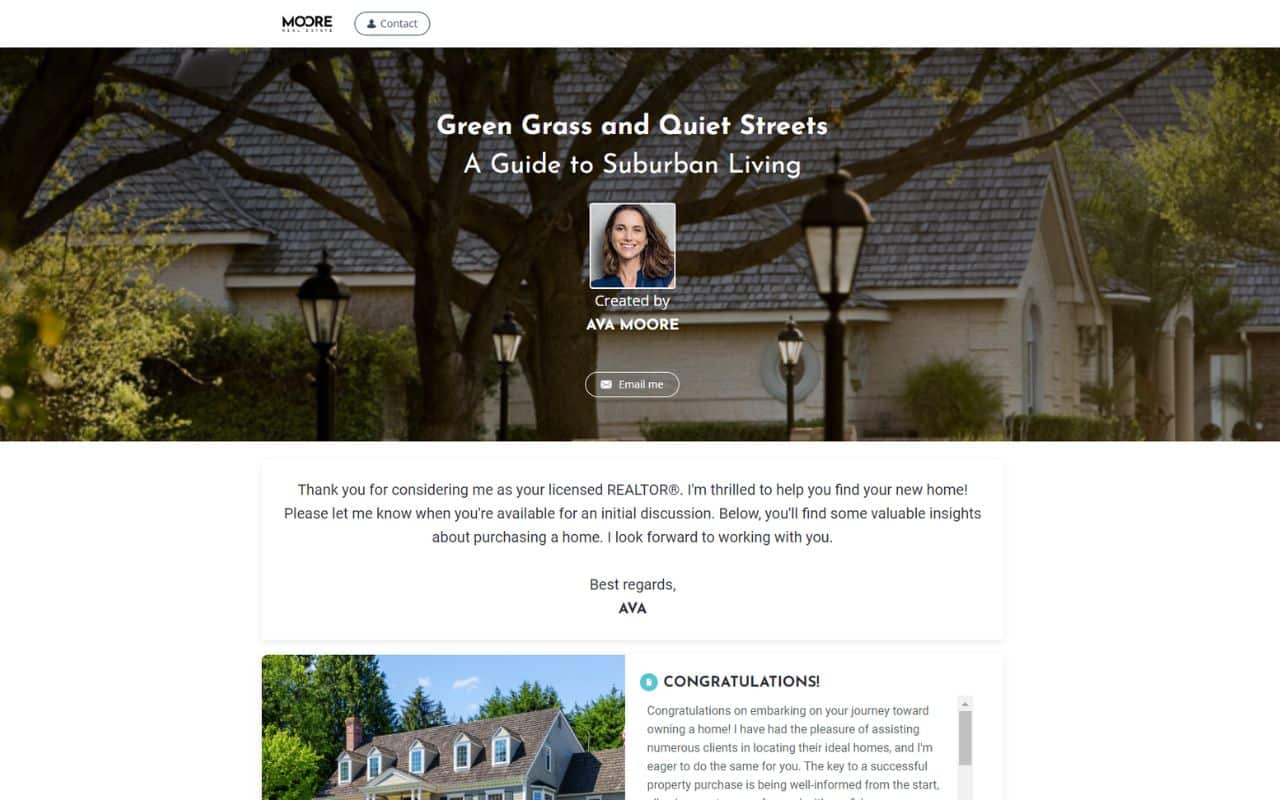
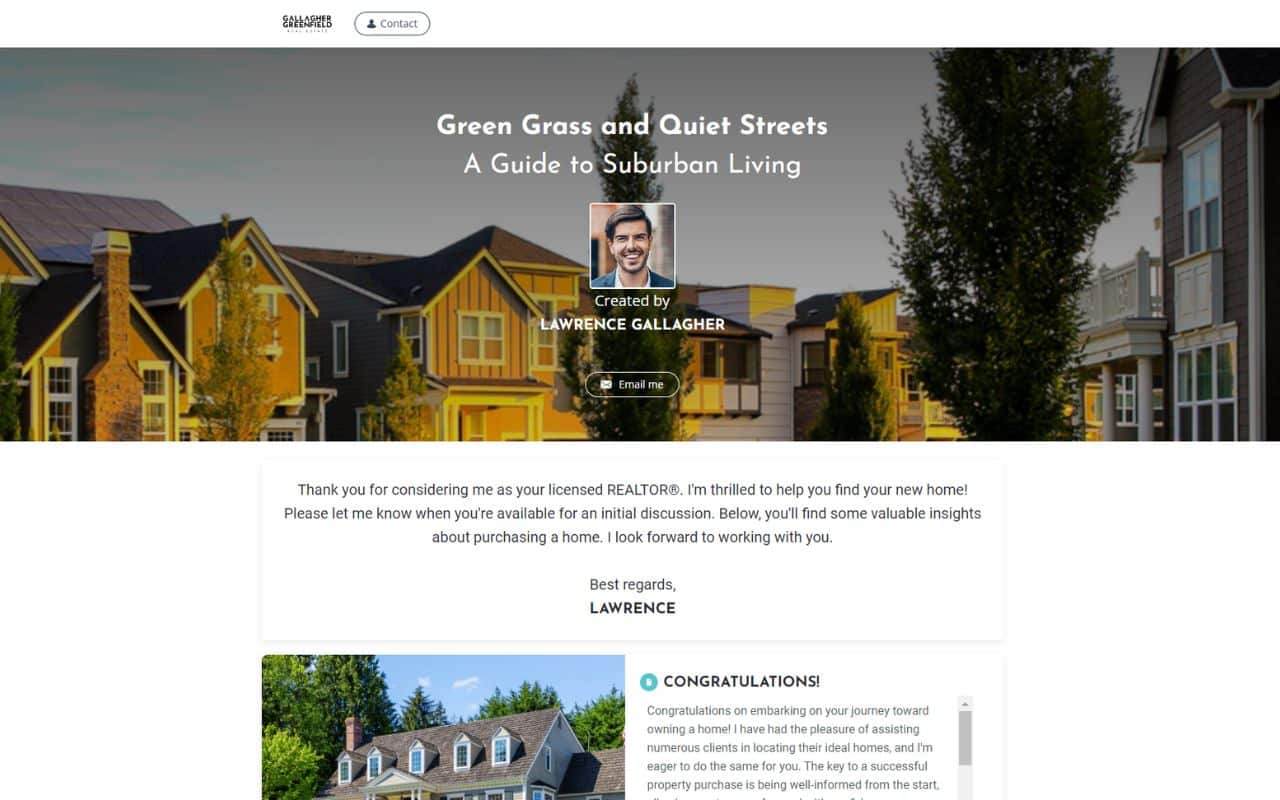
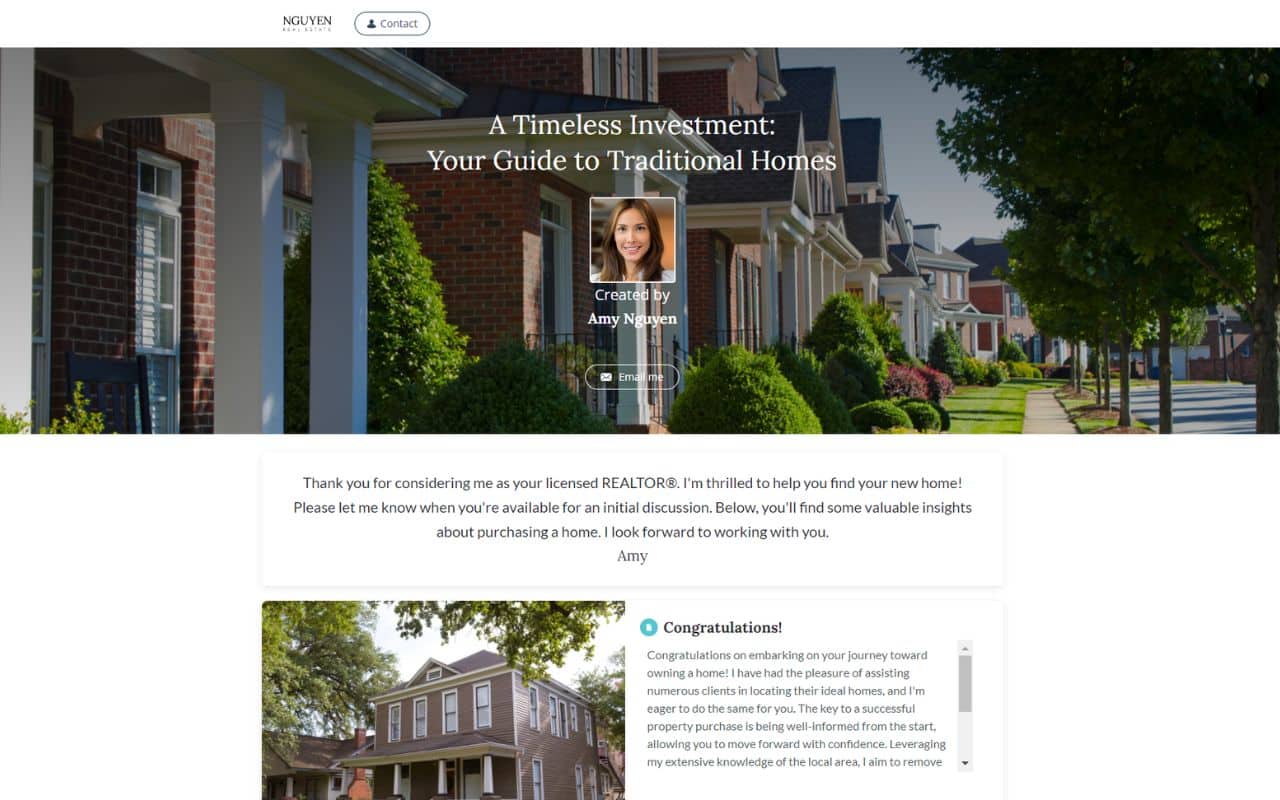
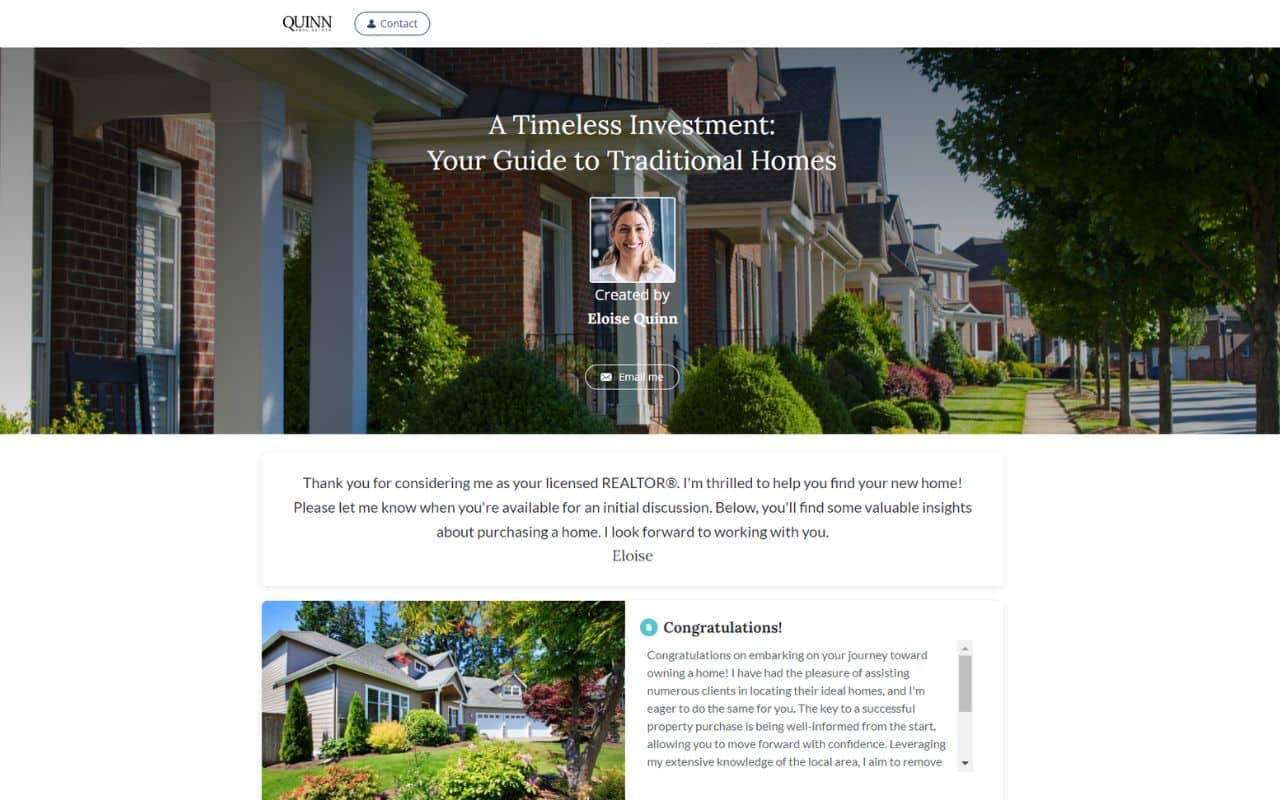
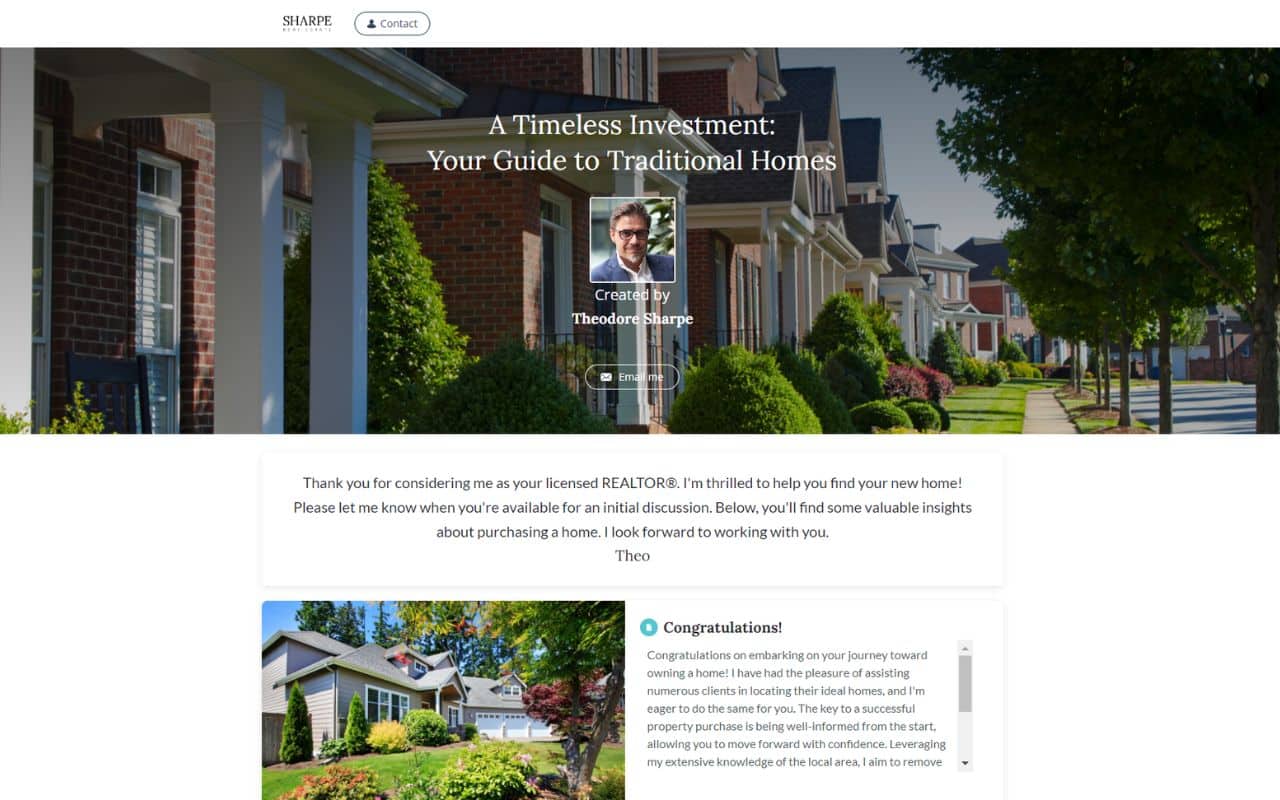
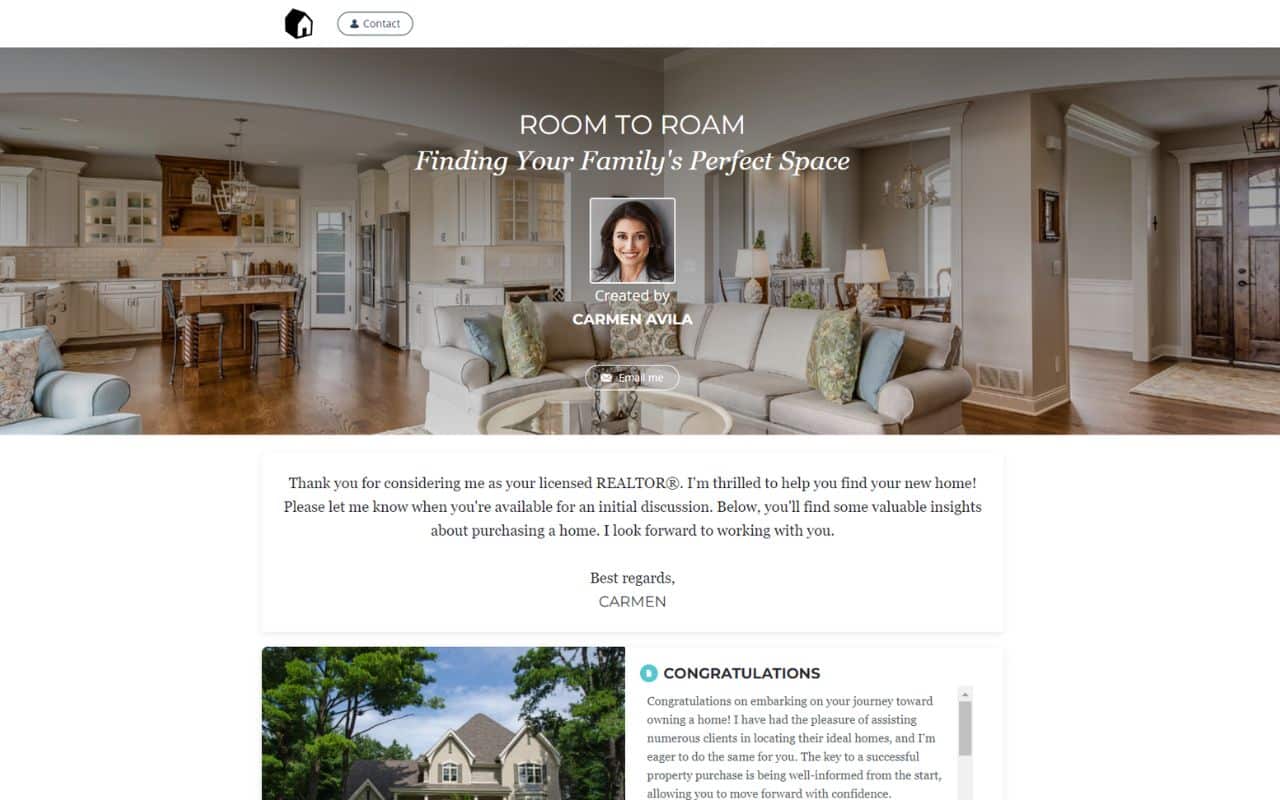
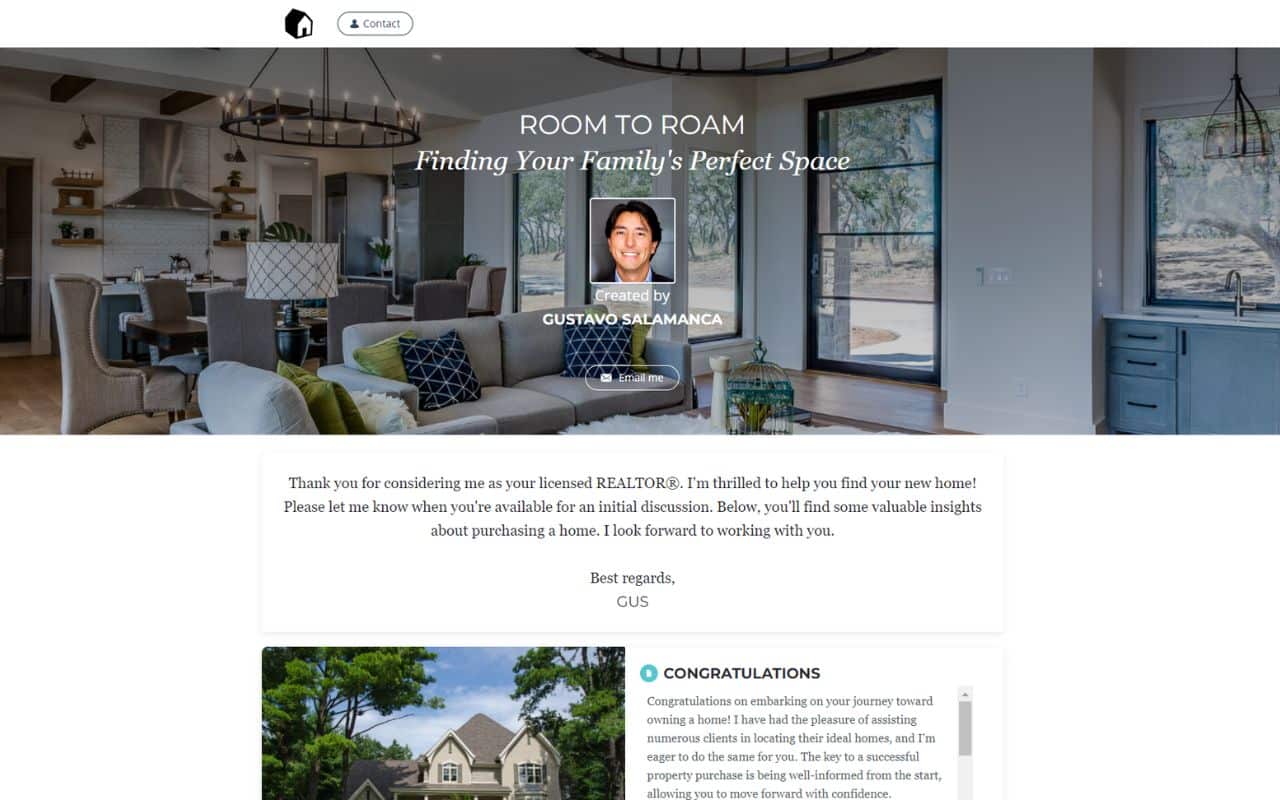
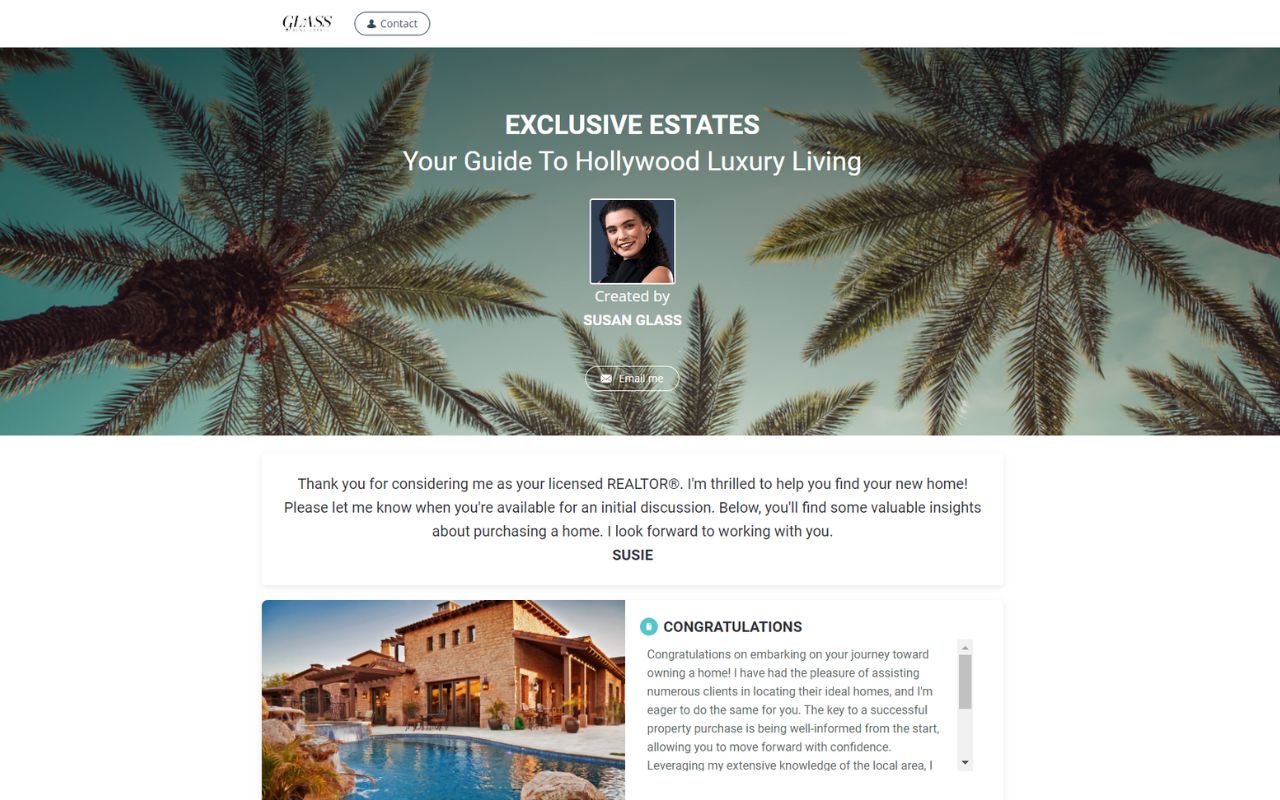
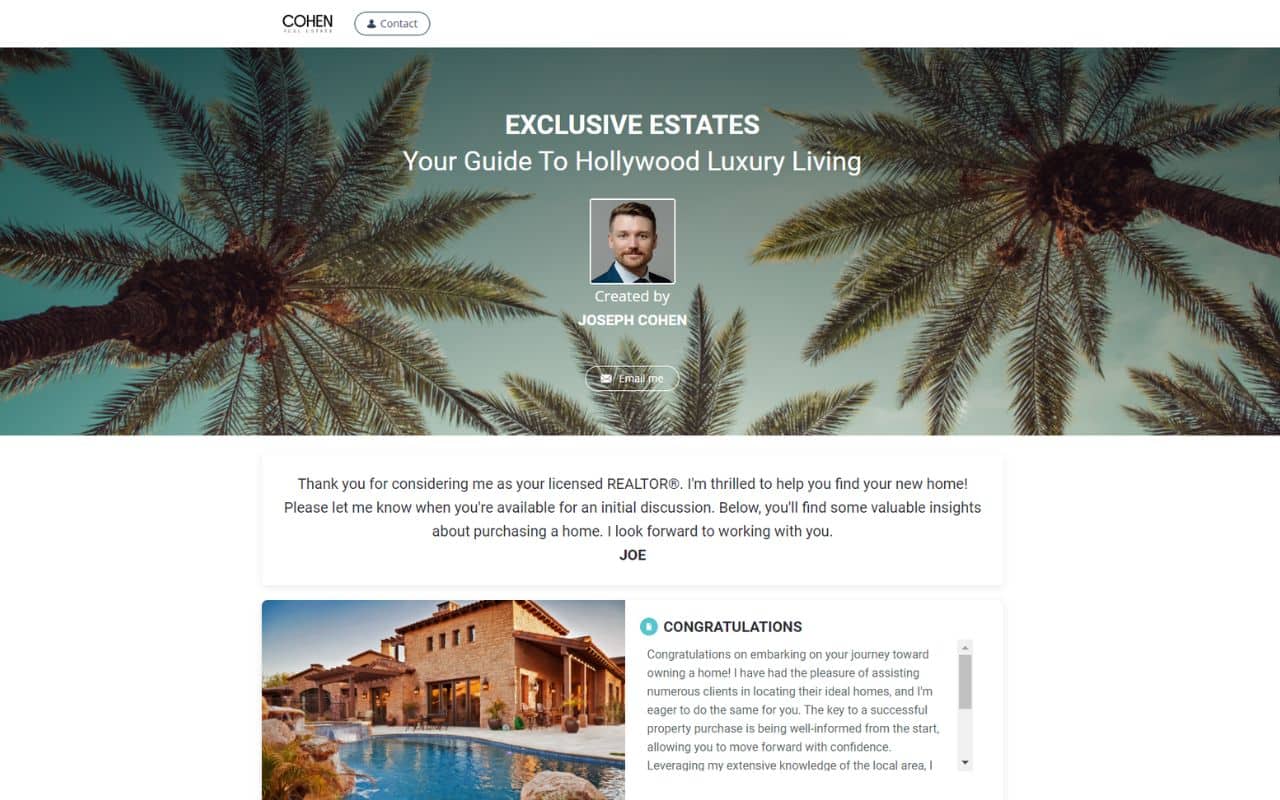
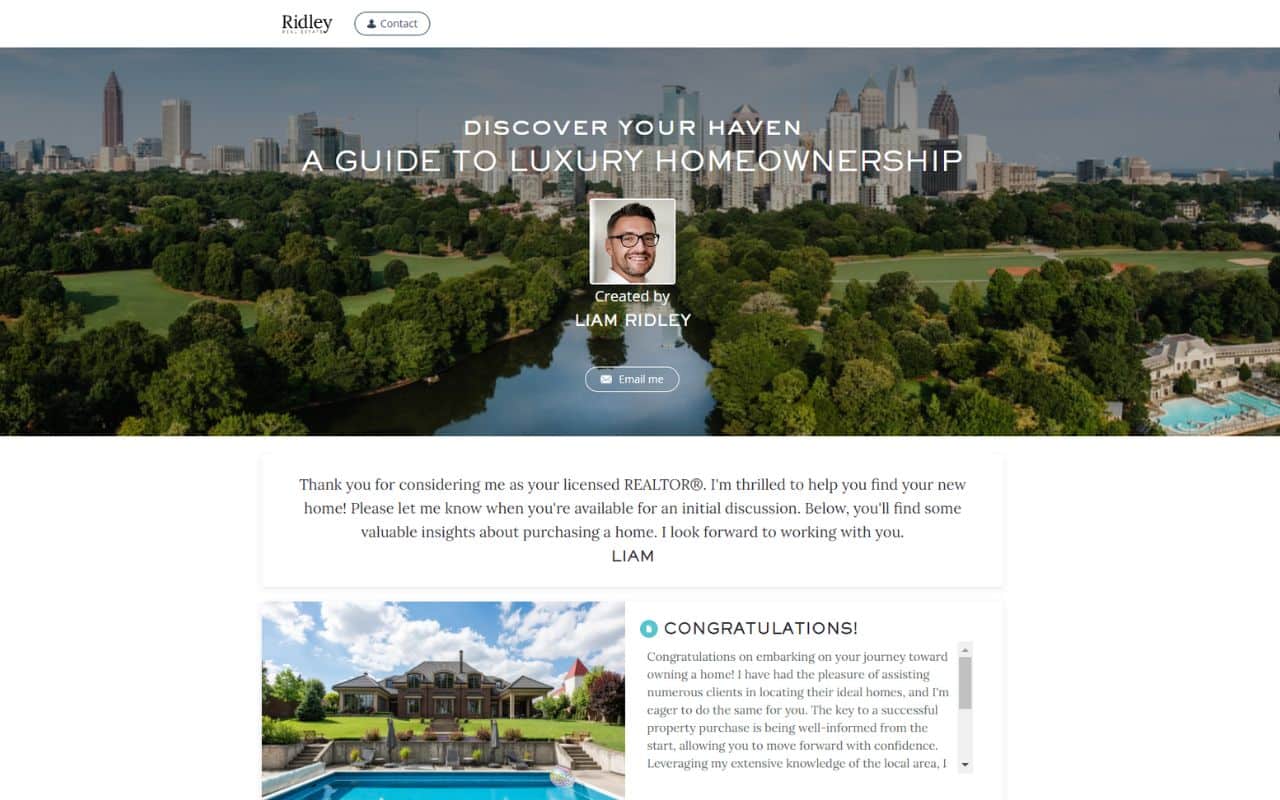
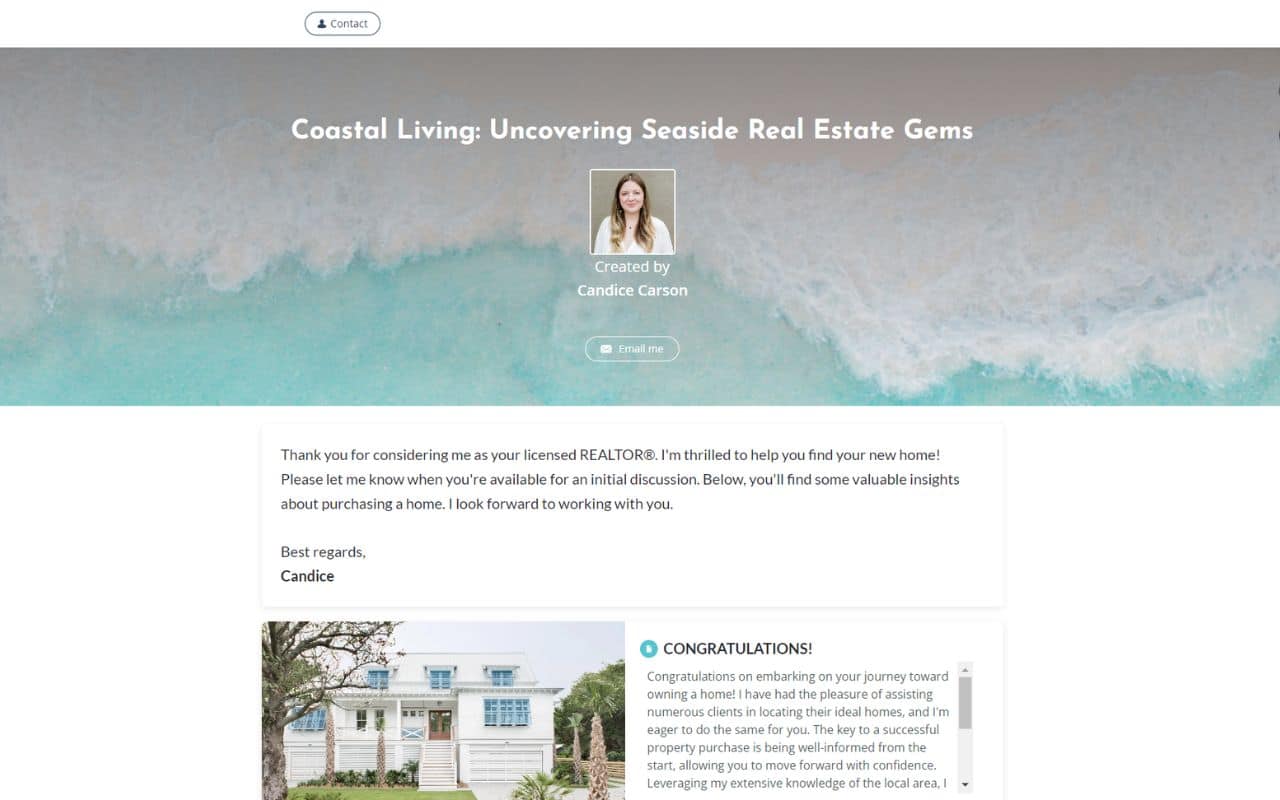
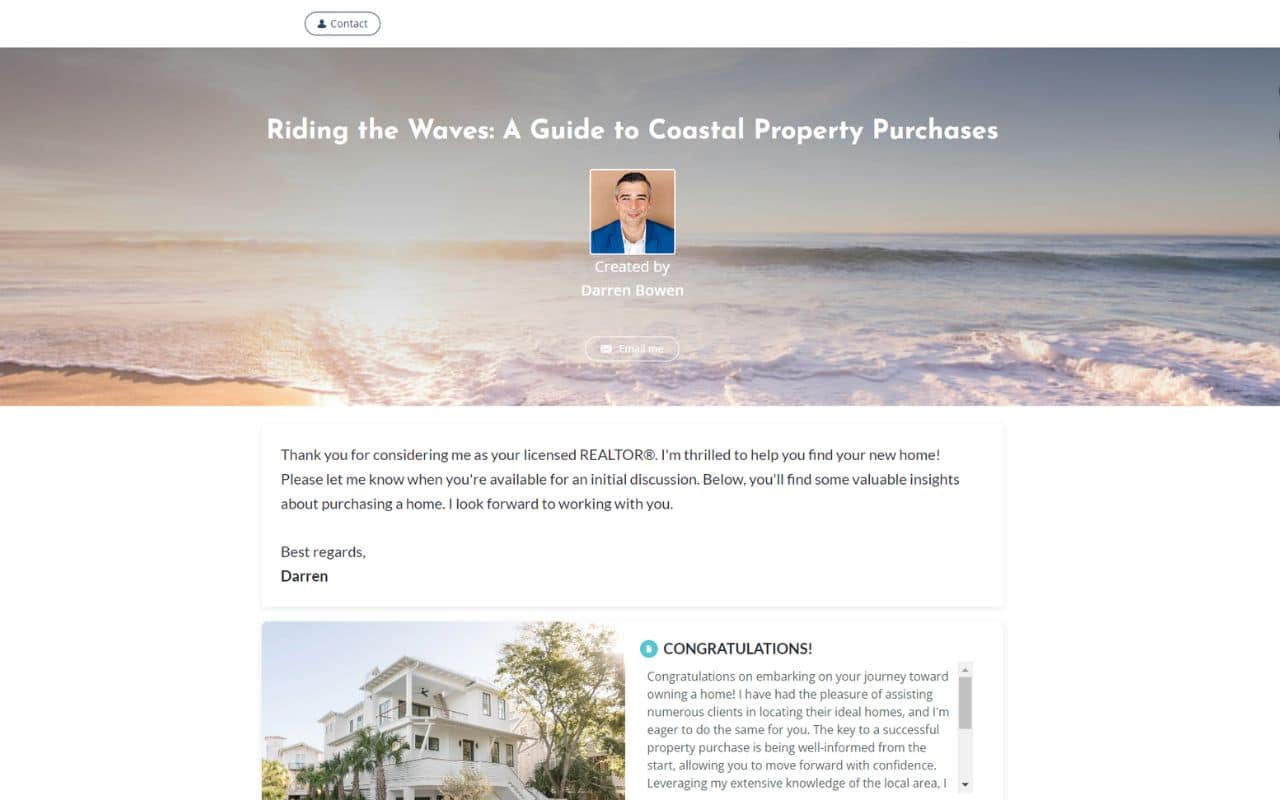
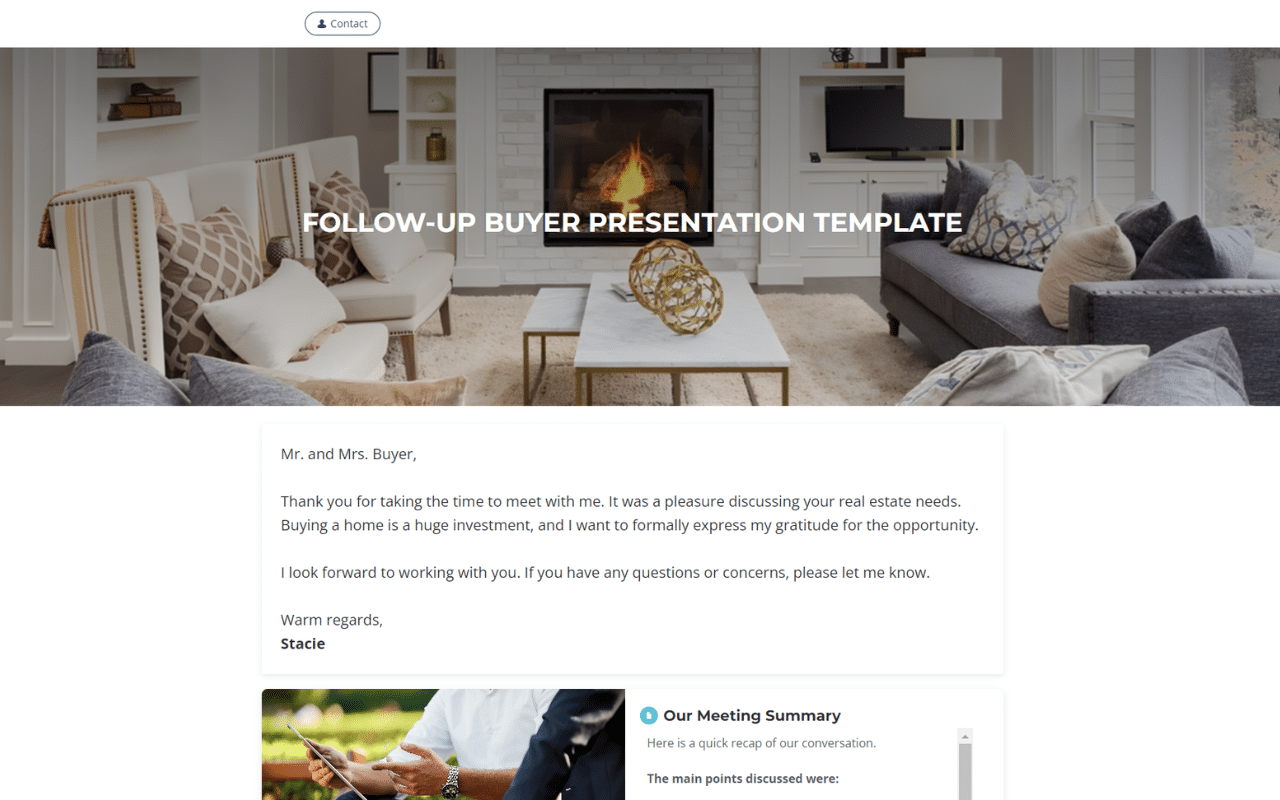
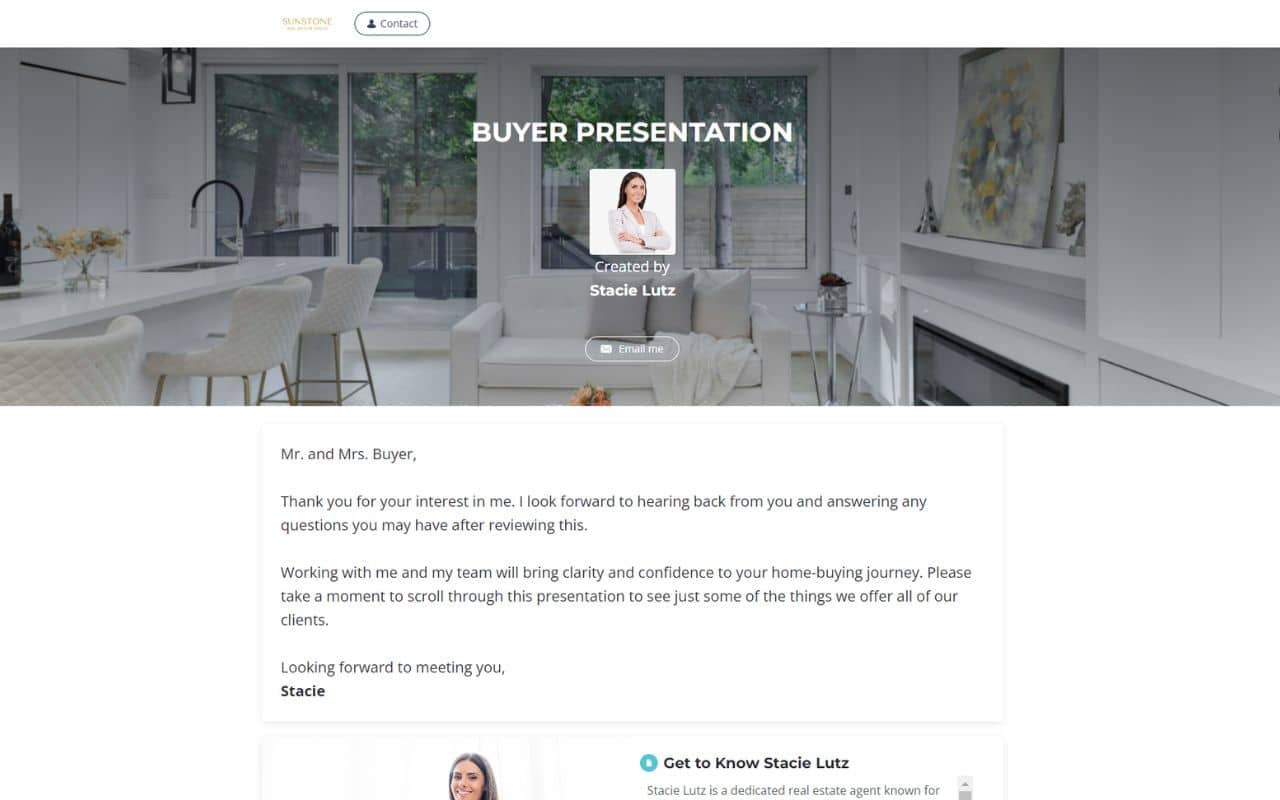
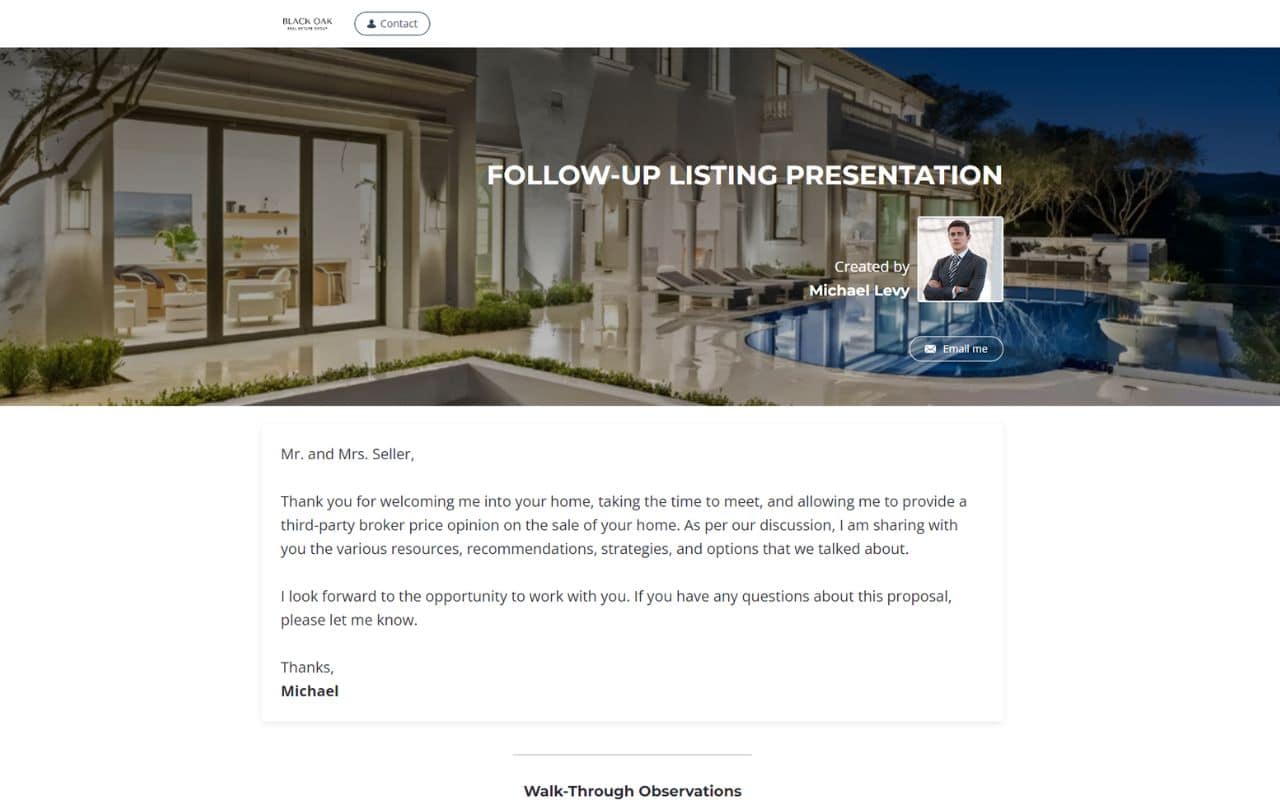
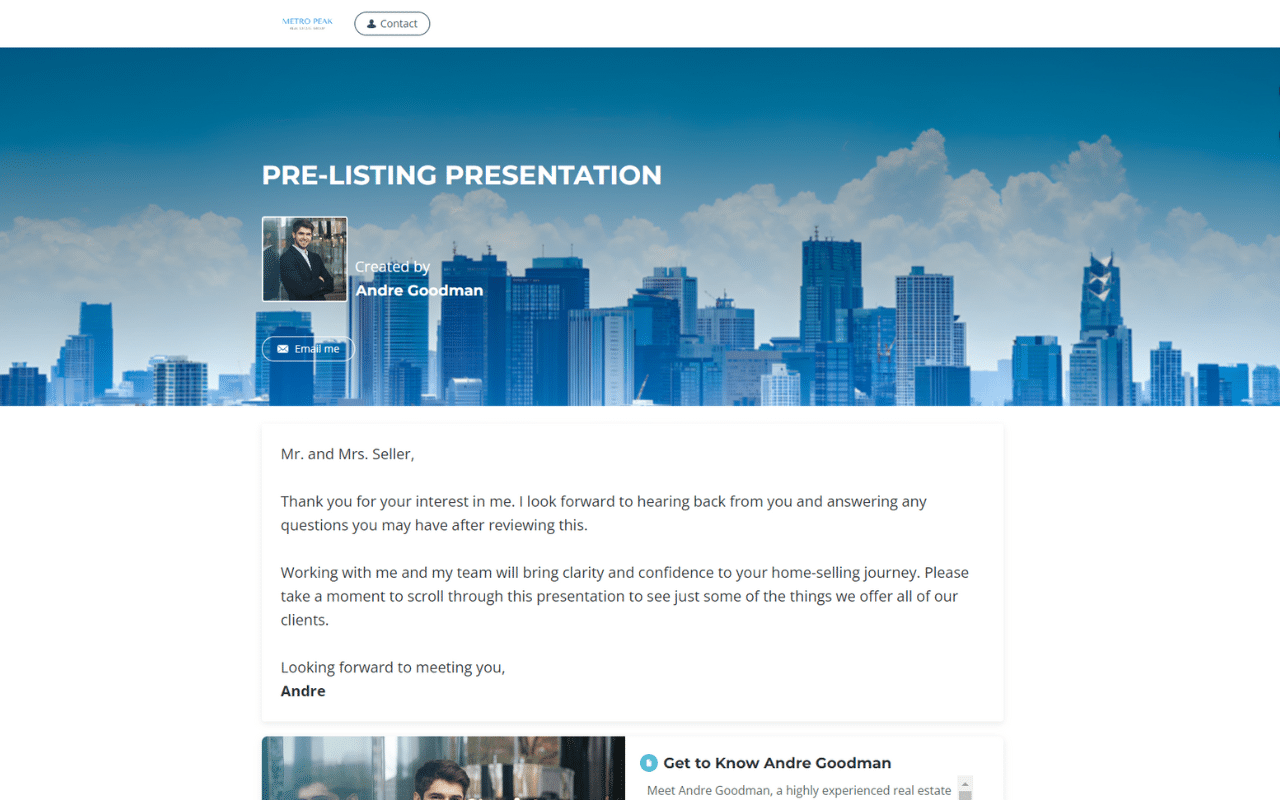
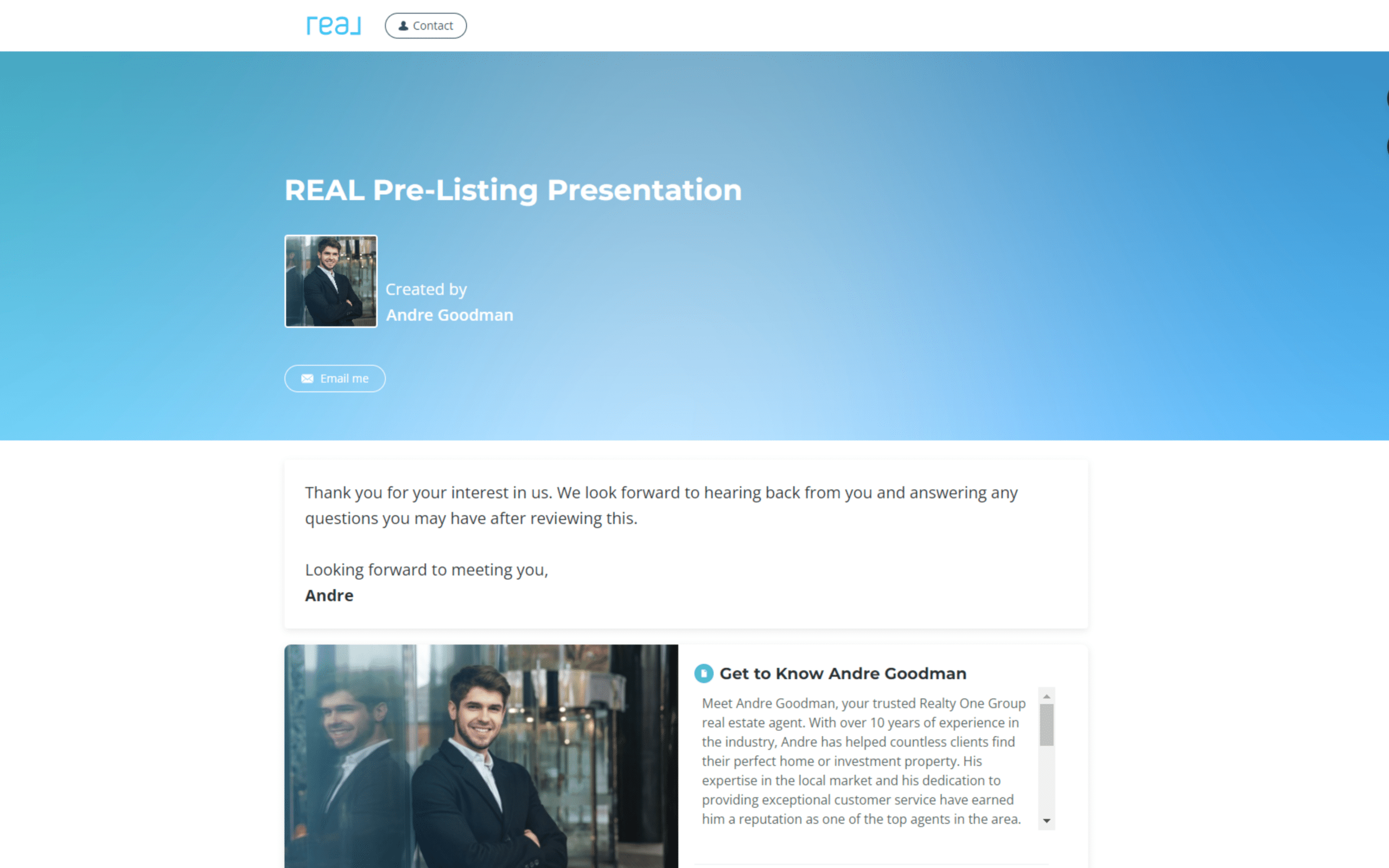
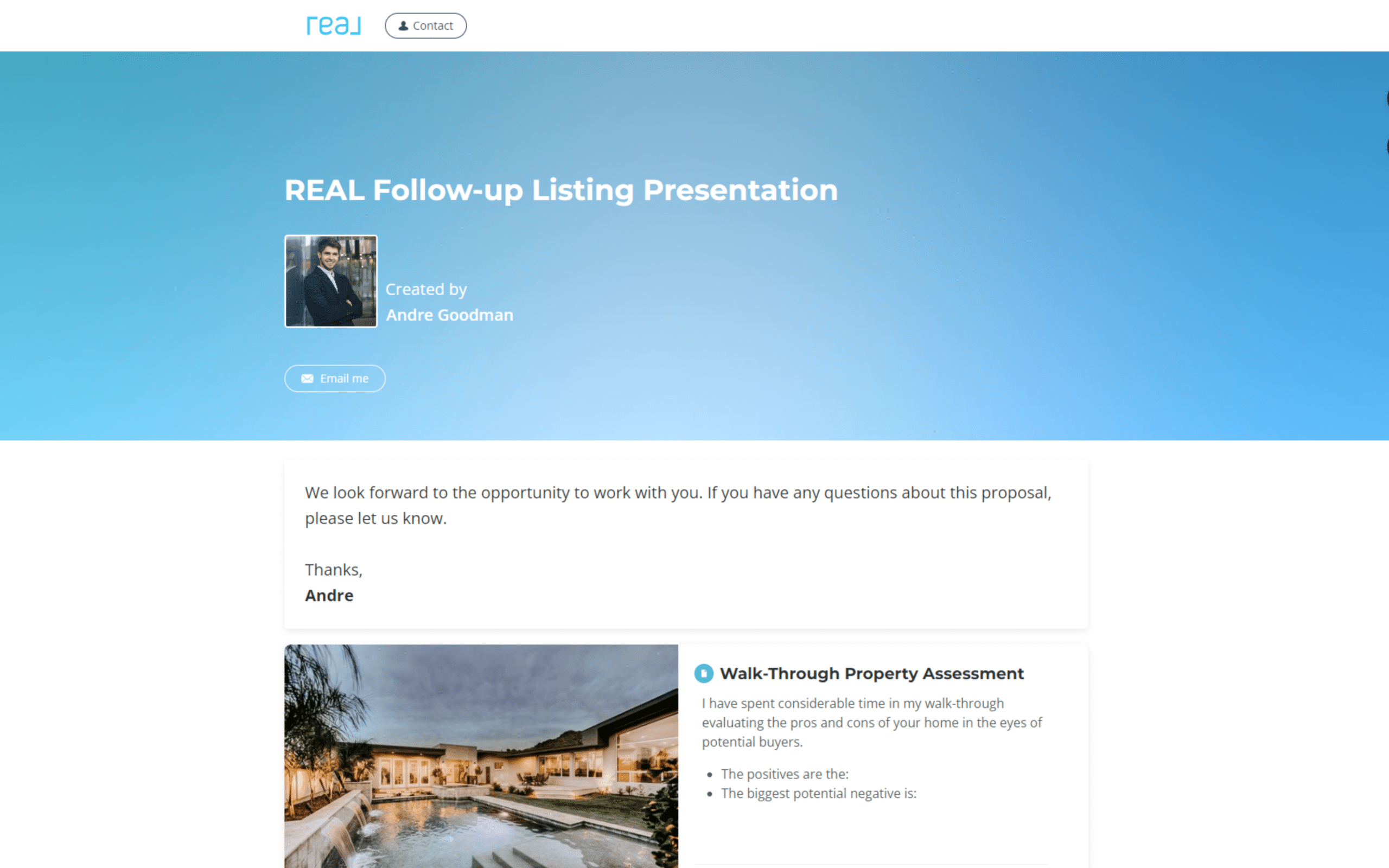
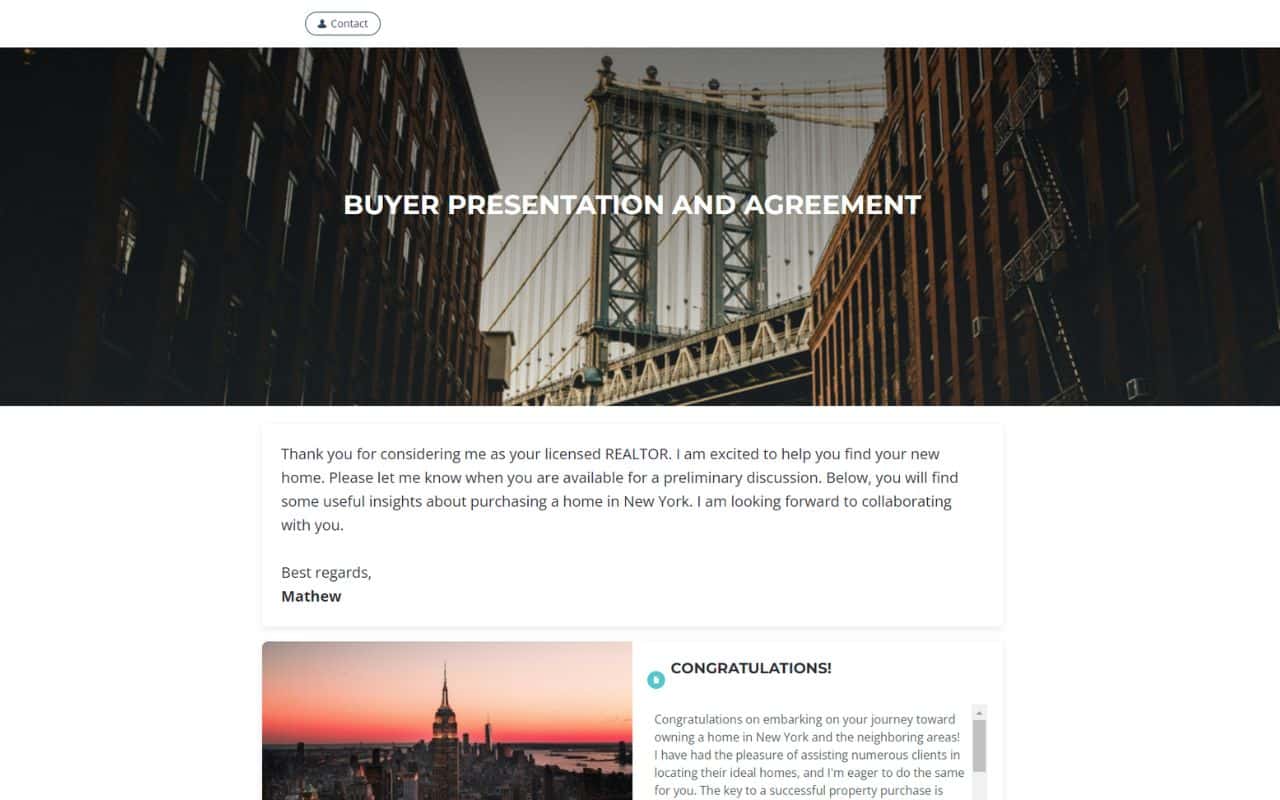
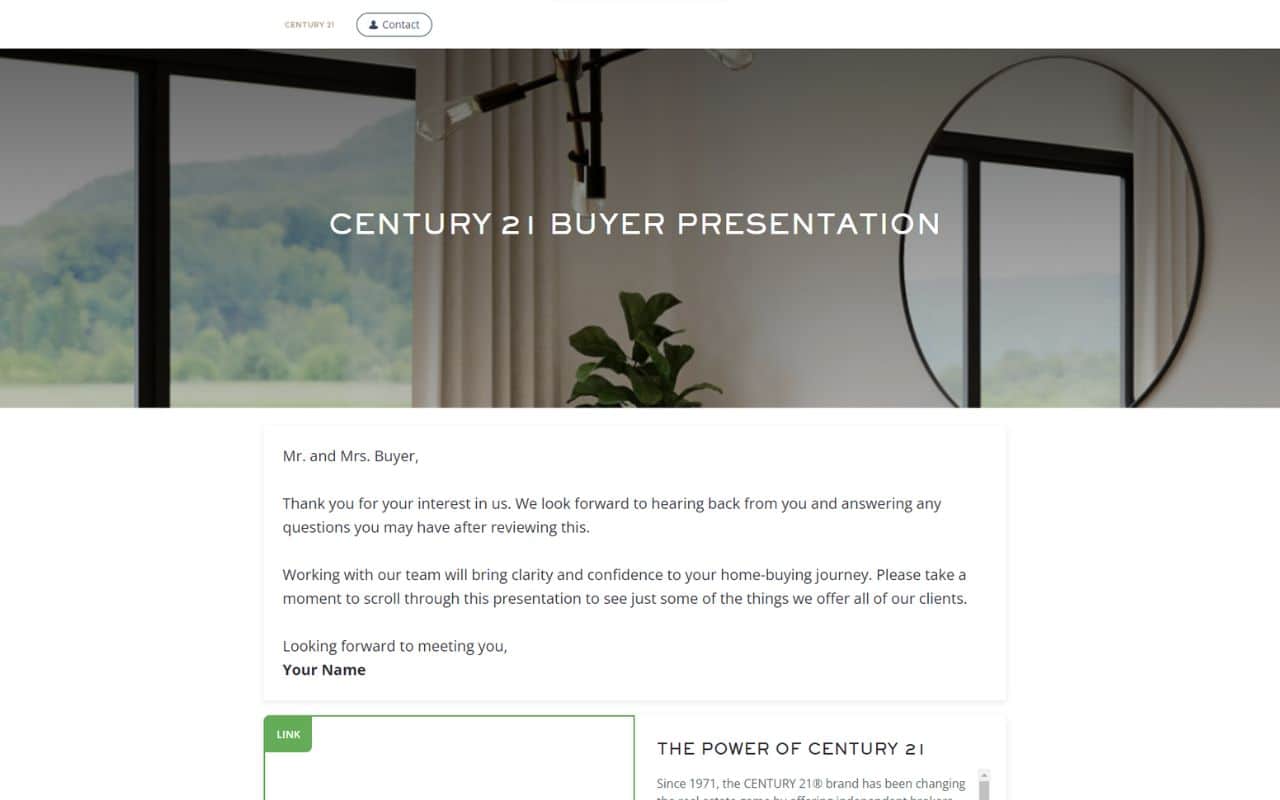
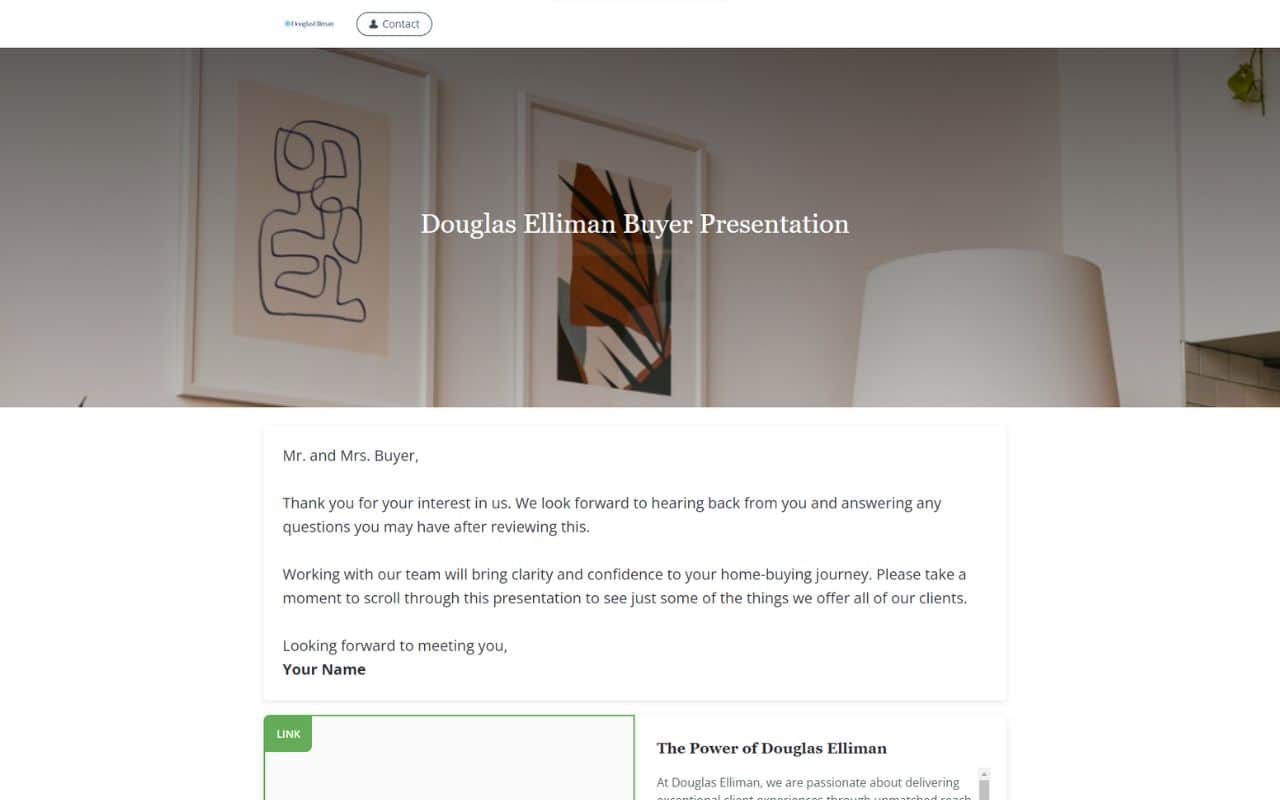
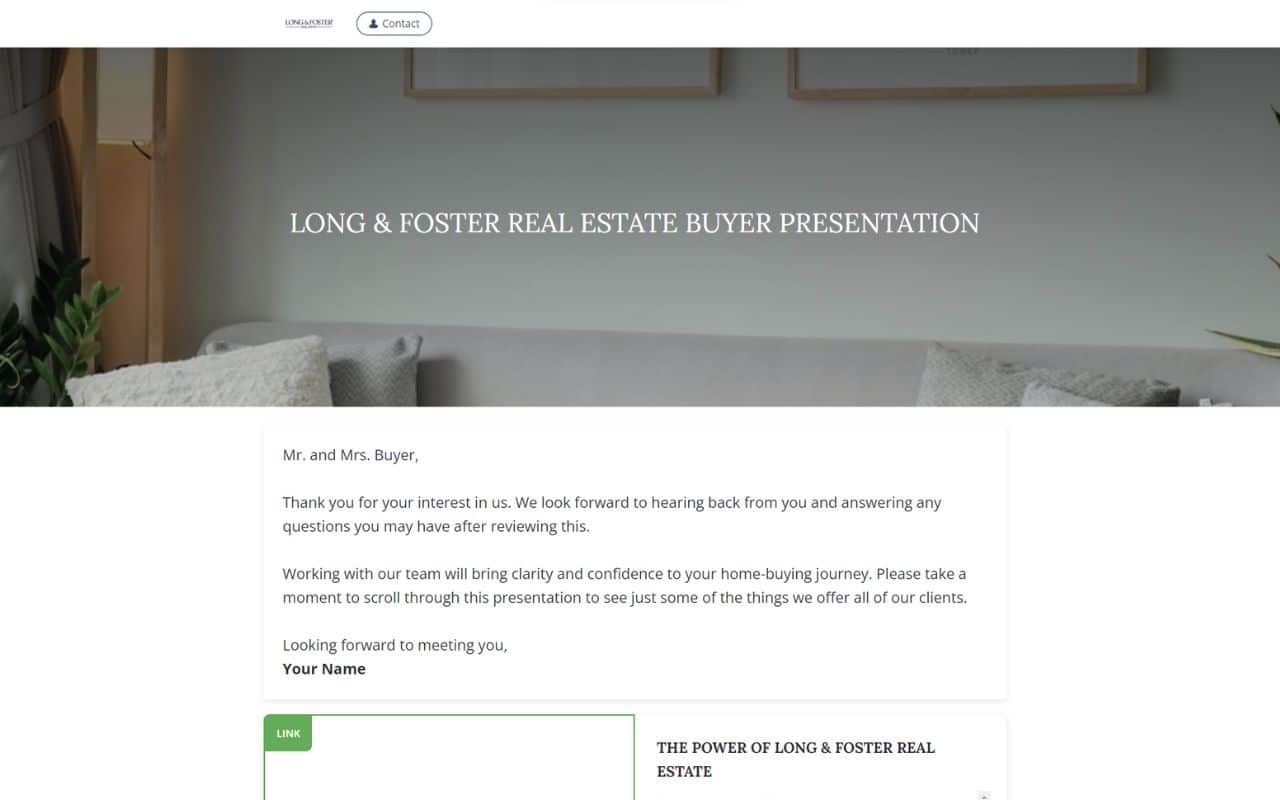
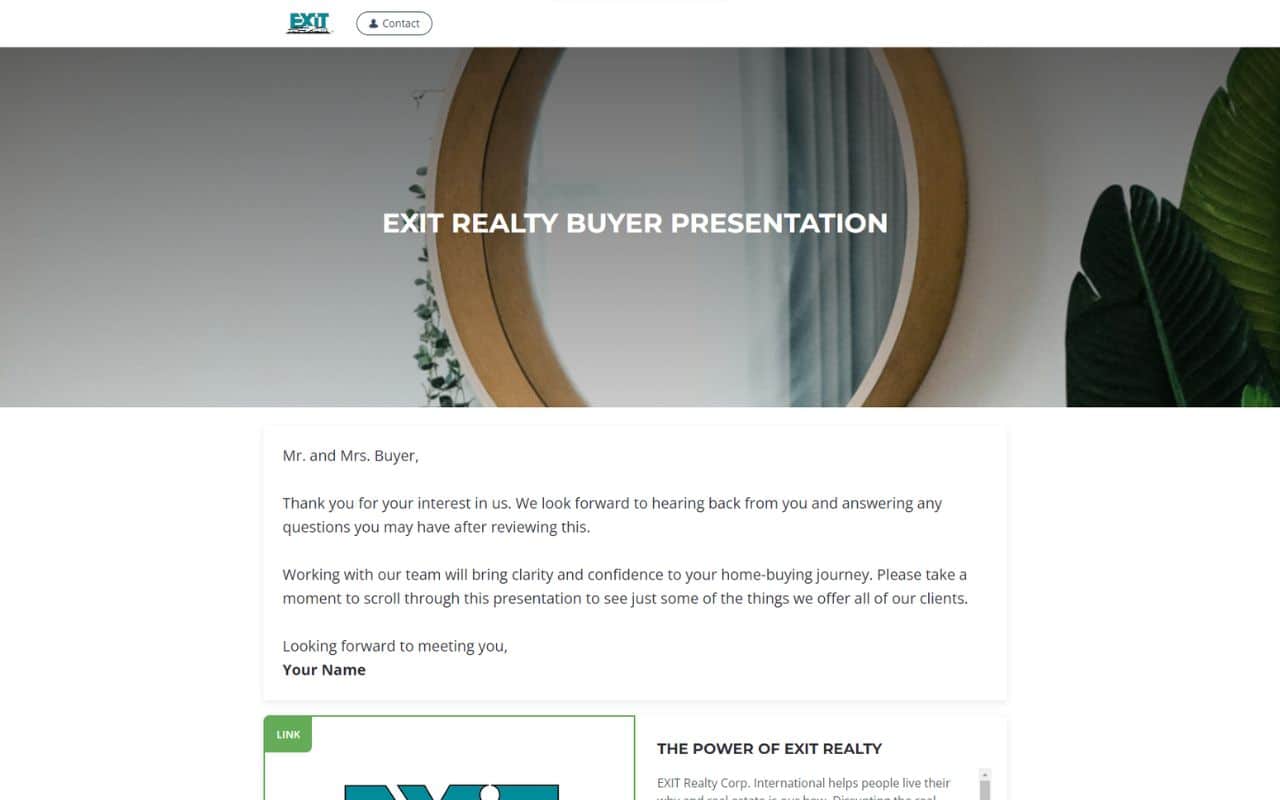
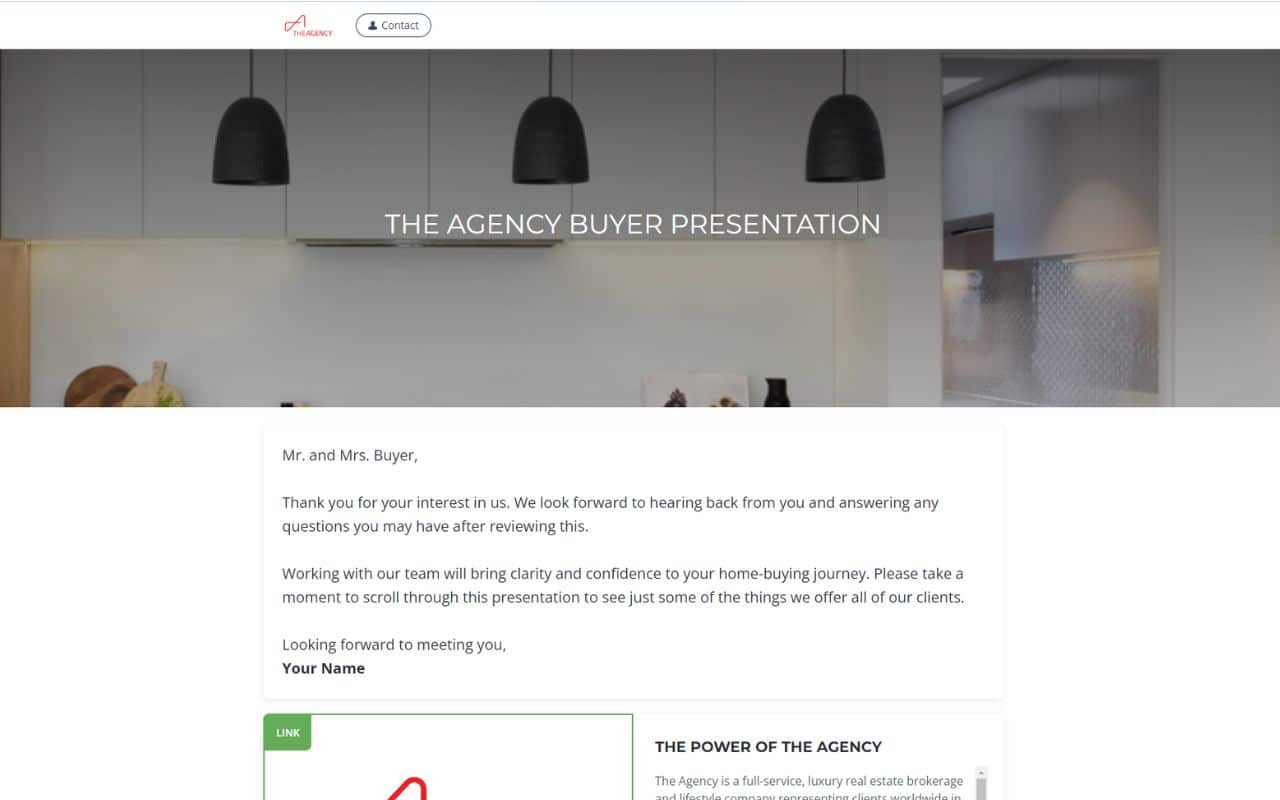
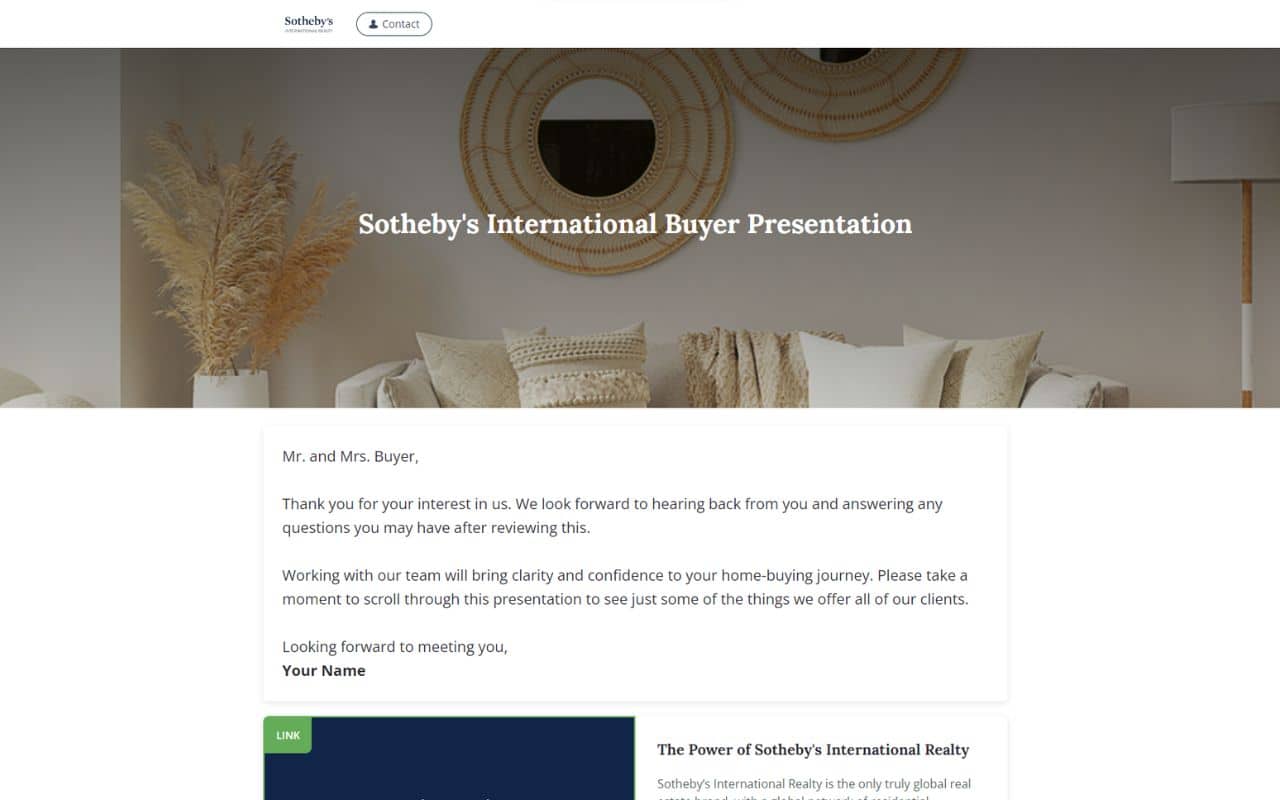
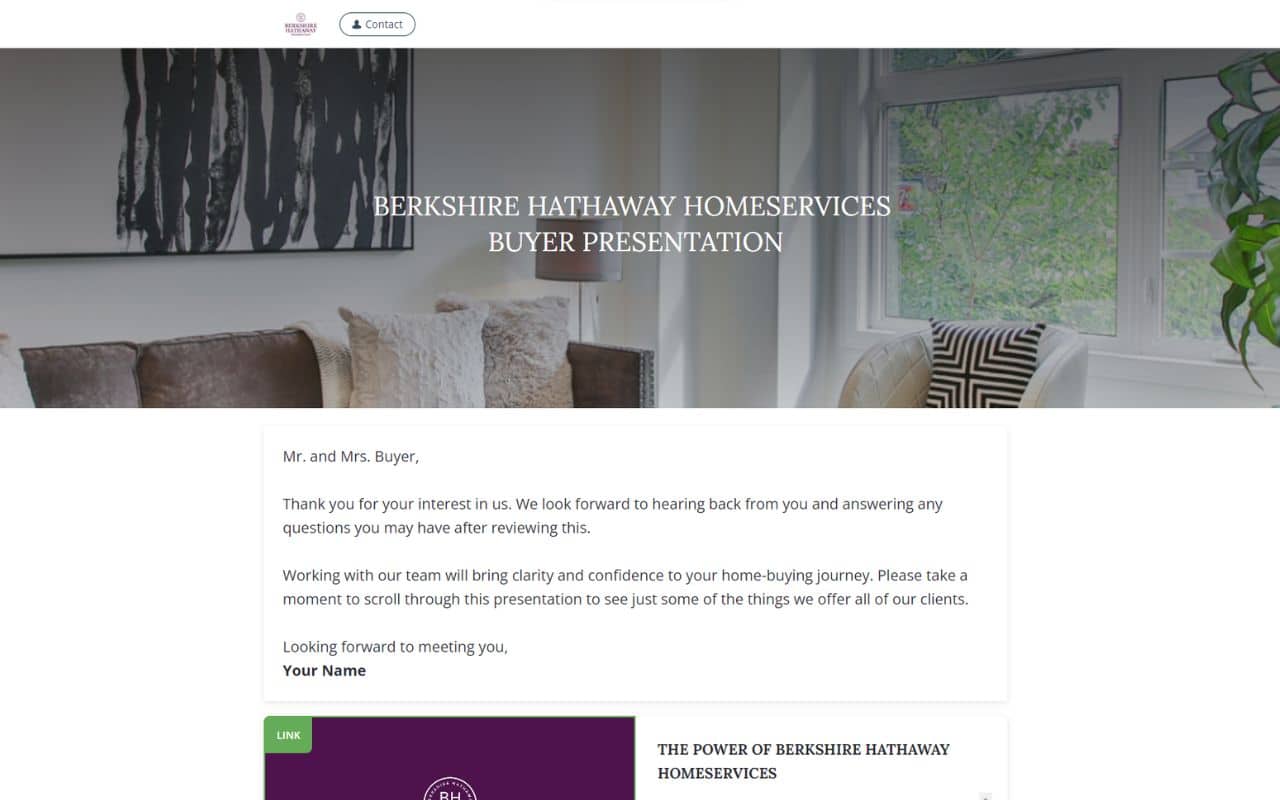
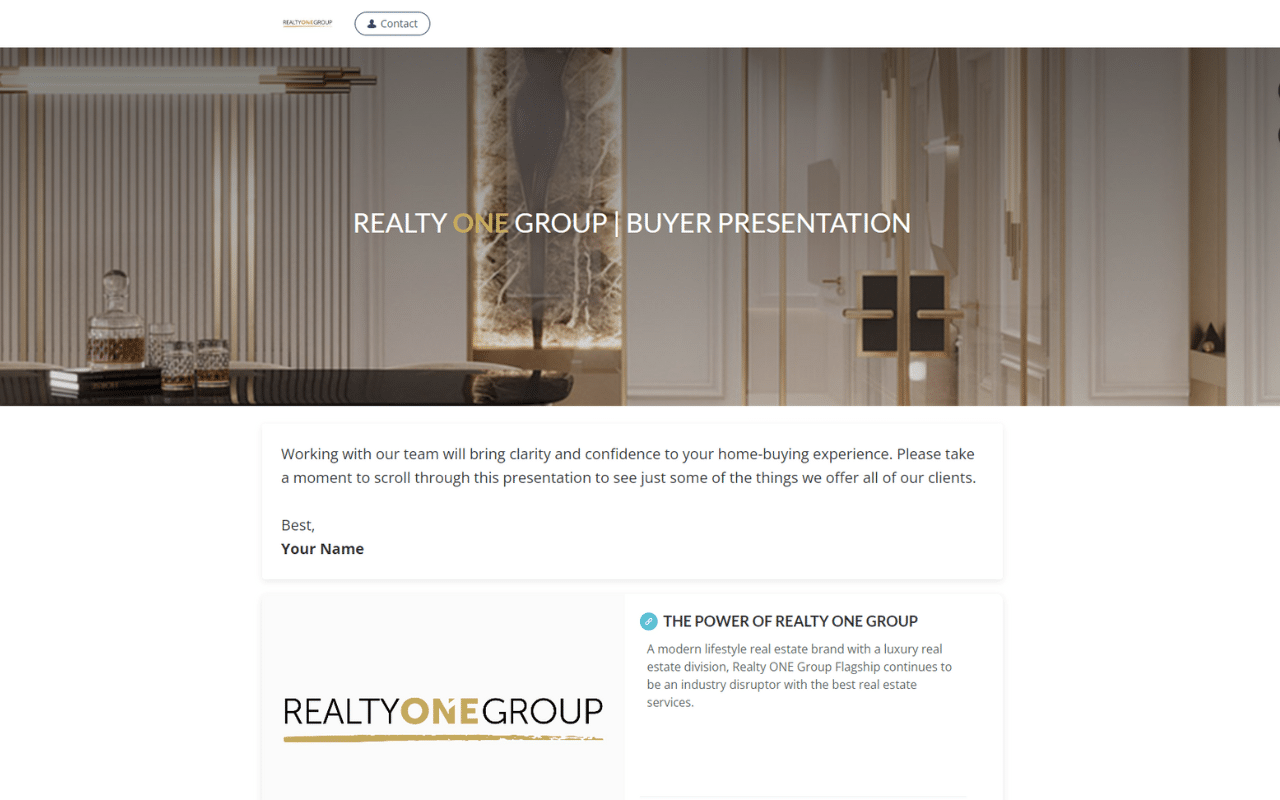
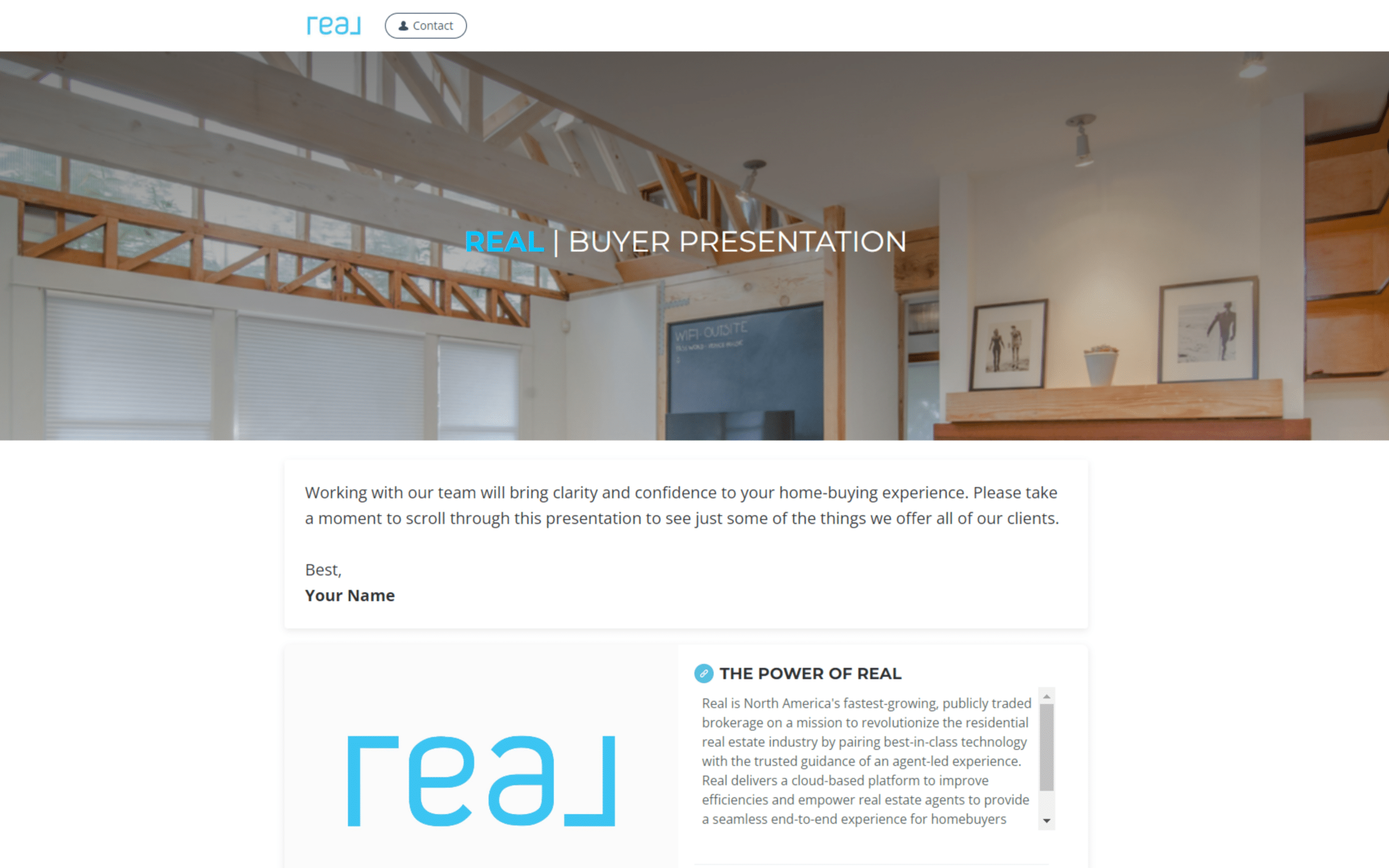
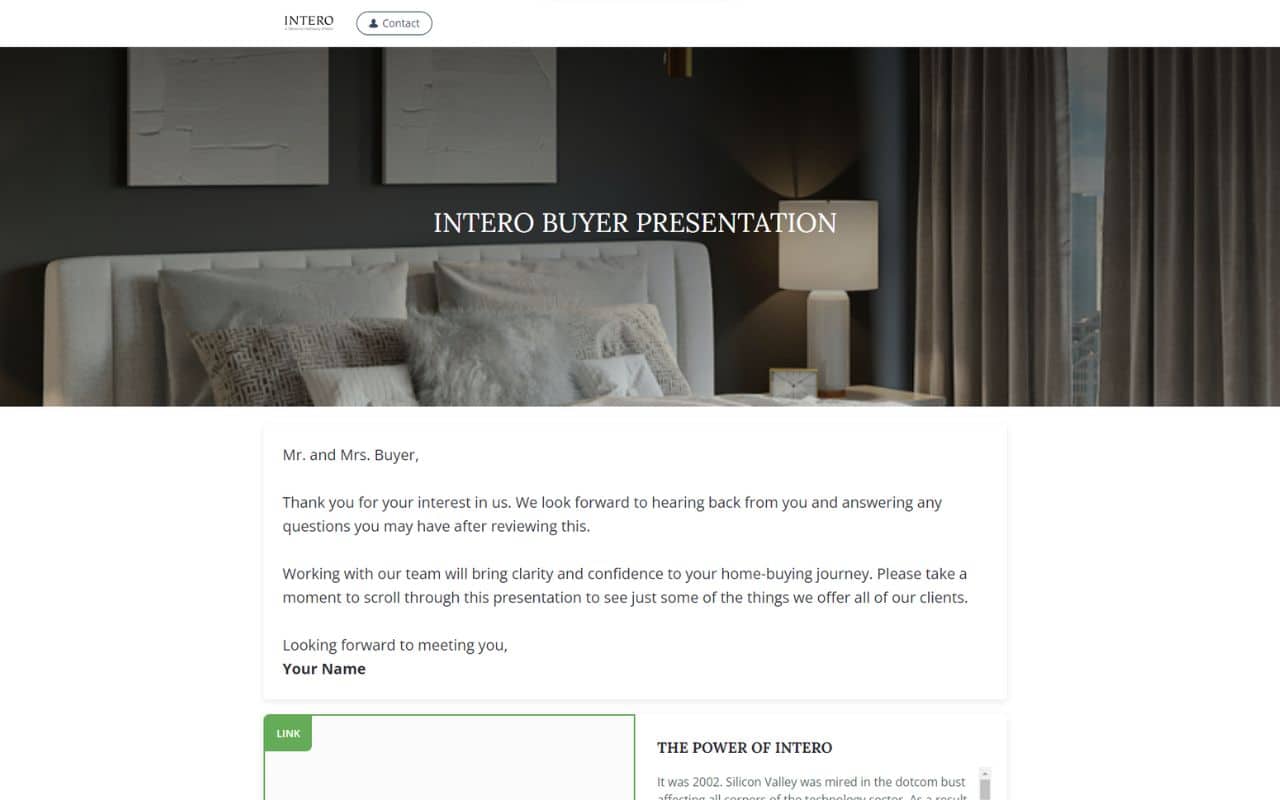
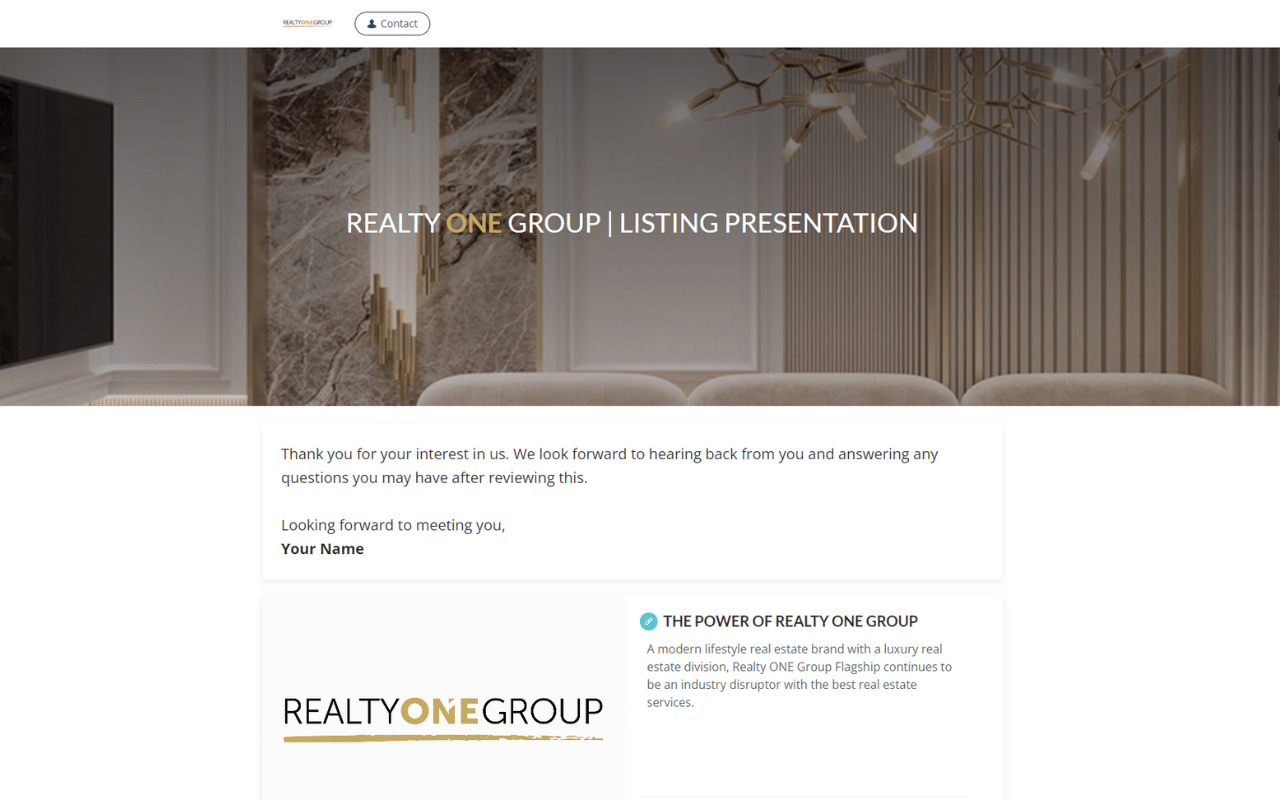
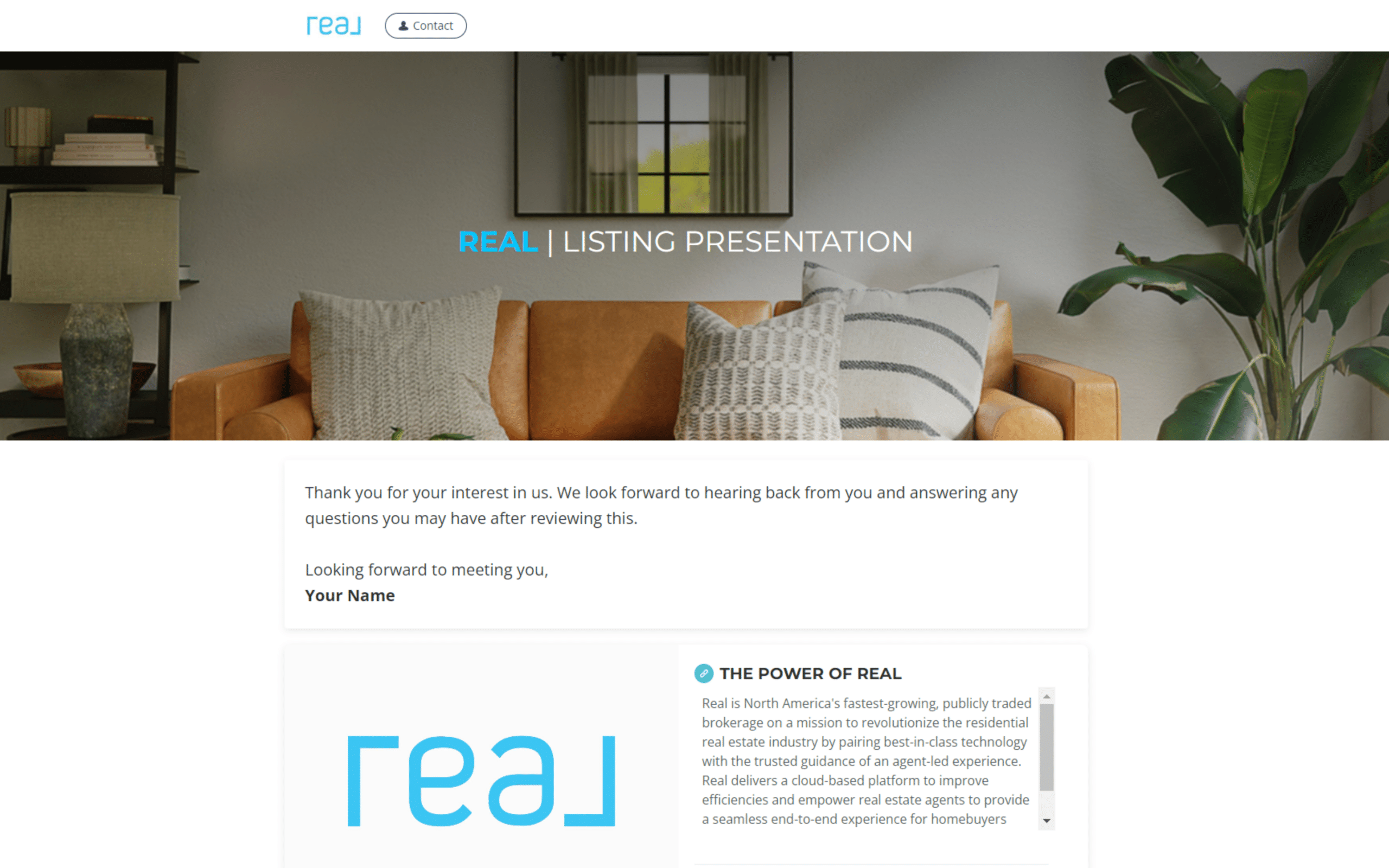
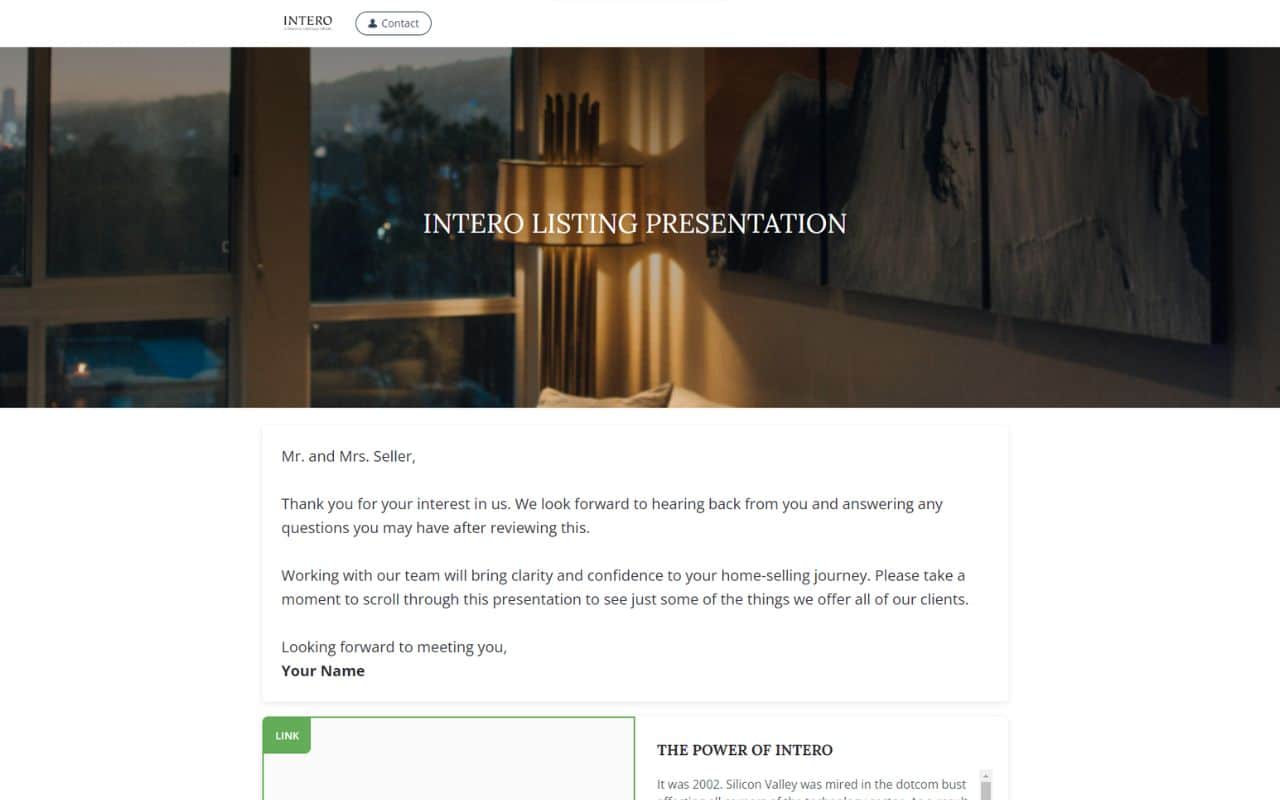
Turn the buyer consultation into the moment clients commit to you. These PDF buyer presentation templates are built in Canva and walk buyers through the process, your value as their agent, and what to expect – so they sign with confidence. Customize one in minutes, export a PDF, and share it before or during the meeting. Browse the buyer presentation templates below.
Most agents show up to a buyer meeting with nothing to hand over. A professional buyer presentation instantly signals that you run a real process – and gives the buyer a reason to sign a representation agreement. These templates give you the structure; you just add your branding and local market details.
What is inside these buyer presentation templates
Each template gives you a complete, editable buyer consultation. Typical sections you can customize include:
A welcome and introduction that builds trust from the first page.
An overview of the home-buying process, step by step.
Your role and value as the buyer’s agent – and why representation matters.
Financing and pre-approval basics to set expectations early.
What to expect on offers, inspections, and closing, plus clear next steps.
Made in Canva, delivered as a PDF
Open any buyer presentation template in Canva, edit it with drag-and-drop, and export a share-ready PDF. Create one branded version and reuse it with every buyer – or tailor it for first-time buyers, relocations, or investors.
Personalize it for each buyer
Add the client name, their target neighborhoods, and your local market data so the presentation feels made for them.
Share before or during the meeting
Send the PDF ahead of the consultation, or present it live from Canva. Buyers leave with something to reference – and your name on it.
How to customize your buyer presentation
Choose a buyer presentation template from the grid above.
Open it in Canva and add your branding, headshot, and contact details.
Fill in your buying process, local market notes, and the client details.
Export a PDF to share – or present it live at the consultation.
Frequently asked questions
A buyer presentation is what an agent shows a client at the buyer consultation. It explains the buying process, the agent’s value, financing basics, and what to expect – and it is often what leads a buyer to sign a representation agreement.
Yes. Each template opens in Canva, so you can edit text, images, colors, and branding with no design experience, then export a PDF.
Yes. Build one branded version and personalize just the client name, neighborhoods, and market details for each consultation.
Pick a PDF buyer presentation template above and turn your next consultation into a signed client.